pi-herdsman
Asynchronous Pi subagents and agent fleet orchestration for parallel coding agents with nested delegation, background work, and supervision in herdr.
Package details
Install pi-herdsman from npm and Pi will load the resources declared by the package manifest.
$ pi install npm:pi-herdsman- Package
pi-herdsman- Version
0.38.0- Published
- Nov 2, 2026
- Downloads
- 8,465/mo · 3,092/wk
- Author
- boadij
- License
- Apache-2.0
- Types
- extension, skill
- Size
- 6 MB
- Dependencies
- 1 dependency · 5 peers
Pi manifest JSON
{
  "image": "https://raw.githubusercontent.com/boadij/pi-herdsman/main/docs/assets/thumbnail.webp",
  "skills": [
    "./SKILL.md",
    "./skills"
  ],
  "extensions": [
    "./dist/index.js"
  ]
}
Security note
Pi packages can execute code and influence agent behavior. Review the source before installing third-party packages.
README
Pi Herdsman 🐏
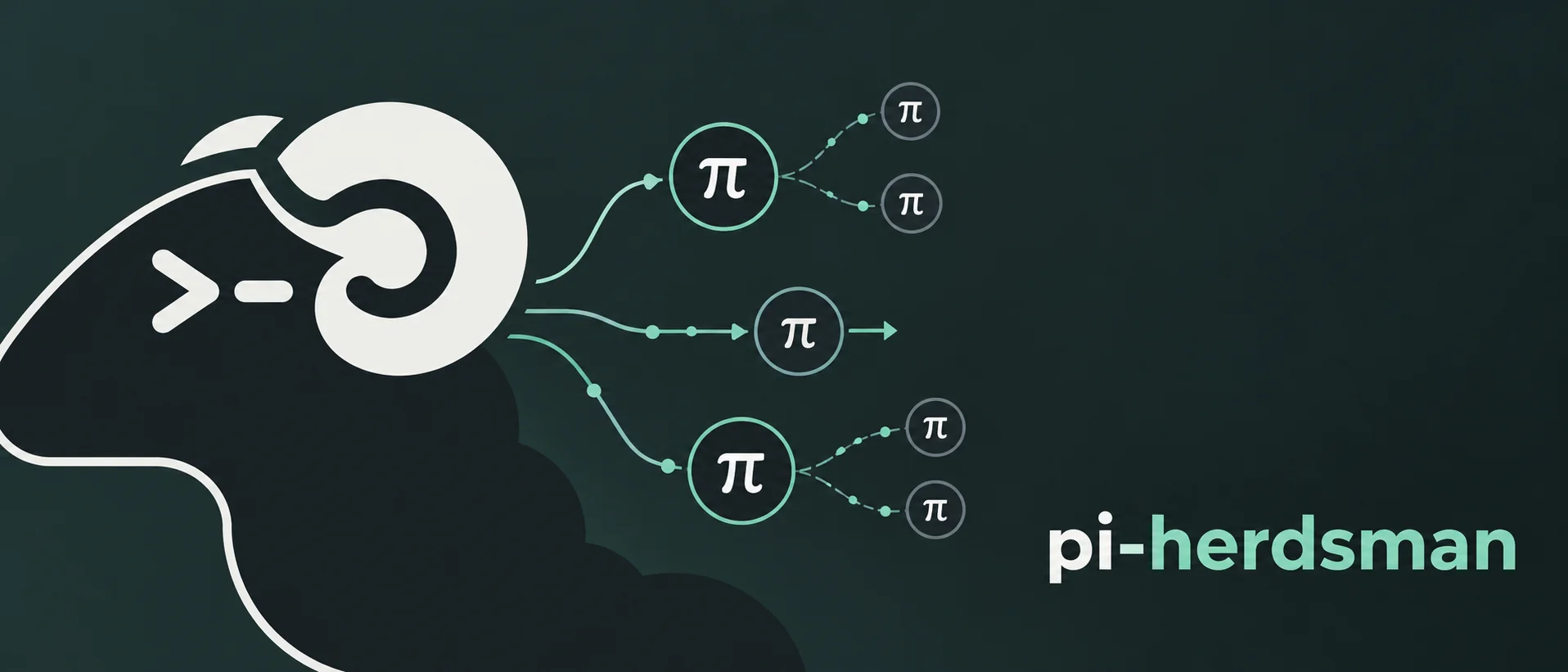




The orchestration layer between Pi and herdr.
Pi Herdsman lets your AI coding assistant delegate tasks to background Agents while your main conversation stays interactive. Start with one Agent, or coordinate parallel, branch-based project work across independent Leads.
Pi runs the coding-agent conversations; herdr manages their terminal sessions and workspaces; Herdsman coordinates delegation, ownership, and supervision.
Demo
Advanced orchestration: a live Manager → Lead → Agent workflow.
What Pi Herdsman gives you
- Background Agents. Delegate bounded work without blocking the Lead conversation.
- Parallel and nested delegation. Run independent work concurrently and let explicitly enabled Agents delegate their own bounded subtasks.
- Project orchestration. A Manager coordinates durable branch-based work across independent Leads and their Agent trees.
- Direct supervision. Chief, Manager, Lead, and Agent responsibilities stay explicit instead of collapsing into one global controller.
- Peer communication. Leads can message eligible peers locally; unassigned ordinary Leads and Managers can also collaborate across connected machines.
- Owned usage visibility. Inspect Pi-native token usage and cost for the current session and its transitively owned managed Agents. An active Manager also sees the Leads in its current durable project assignments and their owned Agent trees.
- Your workflow stays yours. Bring your own Agent definitions, models, tools, skills, extensions, and development process.
Quick start
Linux/macOS:
curl -fsSL https://raw.githubusercontent.com/boadij/pi-herdsman/main/install.sh | shWindows (PowerShell):
irm https://raw.githubusercontent.com/boadij/pi-herdsman/main/install.ps1 | iexAlready using Pi and Herdr?
pi install npm:pi-herdsman
herdr integration install pi
In your project directory, start herdr and then Pi inside its pane:
herdr
pi
If Pi needs model authentication, use /login. Then try a read-only first task:
Use scout to identify this repository's main entry points.
Explain how the application starts. Don't change any files.
The Agent works independently and sends its result back to the conversation that delegated the task. Discover Agent management and other capabilities with:
/herdsmanSee Getting started for prerequisites and troubleshooting.
From one Agent to a project
A normal Pi session is a Lead. It owns the Agents it delegates:
You ↔ Lead
      ├─ Agent
      │  └─ Agent
      └─ Agent
For independent project work, an eligible Lead can enter Manager mode. Managers coordinate Leads instead of implementing through Agents themselves:
You ↔ Manager
      ├─ Lead → Agents
      └─ Lead → Agents
A Chief is an optional runtime-wide supervisor above Managers. Without an active Manager for a project, Chief can directly supervise its ordinary Leads.
The important boundaries are:
supervision: Chief → Manager → Lead
ownership: Lead → Agent → Agent
Project work is durable by Git branch. It does not belong to the Manager session that happened to start it, so assignments can be paused, resumed, or retired across Manager turnover.
Manager-created project Leads are dedicated Managed Lead sessions: identity stays
with the exact Pi session, while only a current project assignment authorizes
execution. Unavailable or retired assignments never enable ordinary Lead tools.
Use native Pi /fork or /clone for independent ordinary continuation with copied
history, not a separate checkout or fresh process configuration. See
Project orchestration.
See Coordination for the mental model and Project orchestration for the Manager workflow.
Project status & roadmap
Pi Herdsman is actively evolving. Core orchestration workflows are available today, while other areas are being refined or expanded.
| Area | Status | What to expect |
|---|---|---|
| Lead & Agent orchestration | ✅ Core complete | Background and nested delegation, result handoffs, and peer communication. Ongoing reliability fixes. |
| Manager orchestration | ✨ Polishing | Branch-based delegation, supervision, and integration are implemented. Refining recovery and usability. |
| Chief coordination | 🚧 In progress | Supervision is available. Repository provisioning and Manager lifecycle orchestration are being developed. |
On the roadmap: Coordination profiles (replacing the current role-definition terminology), cross-build messaging, and portable project state.
Early-stage project: Core features are usable today, but pre-1.0 releases may introduce breaking changes as configuration and runtime conventions evolve. See the changelog for release changes and migration guidance.
Choose your next step
| Goal | Start here |
|---|---|
| Install and delegate your first task | Getting started |
| Run independent branch-based project work | Project orchestration |
| Communicate with other Pi sessions | Peer communication |
| Understand roles, ownership, and authority | Coordination |
| Customize Agents | Agent definitions |
| Build against the model-facing tools | Coordination API |
| Deploy an SSH-ready environment | Container deployment |
| Contribute to Pi Herdsman | Contributing |
Community
Questions, workflows, examples, and ideas are welcome in GitHub Discussions.
For reproducible bugs and concrete actionable work, use GitHub Issues.