pi-herdsman
Asynchronous Pi subagents and agent fleet orchestration with nested delegation, parallel execution, and supervision in herdr.
Package details
Install pi-herdsman from npm and Pi will load the resources declared by the package manifest.
$ pi install npm:pi-herdsman- Package
pi-herdsman- Version
0.6.1- Published
- Sep 12, 2026
- Downloads
- 1,545/mo · 1,545/wk
- Author
- boadij
- License
- Apache-2.0
- Types
- extension, skill
- Size
- 1 MB
- Dependencies
- 0 dependencies · 4 peers
Pi manifest JSON
{
  "image": "https://raw.githubusercontent.com/boadij/pi-herdsman/main/docs/assets/thumbnail.webp",
  "skills": [
    "."
  ],
  "extensions": [
    "./dist/index.js"
  ]
}
Security note
Pi packages can execute code and influence agent behavior. Review the source before installing third-party packages.
README
Pi Herdsman 🐏
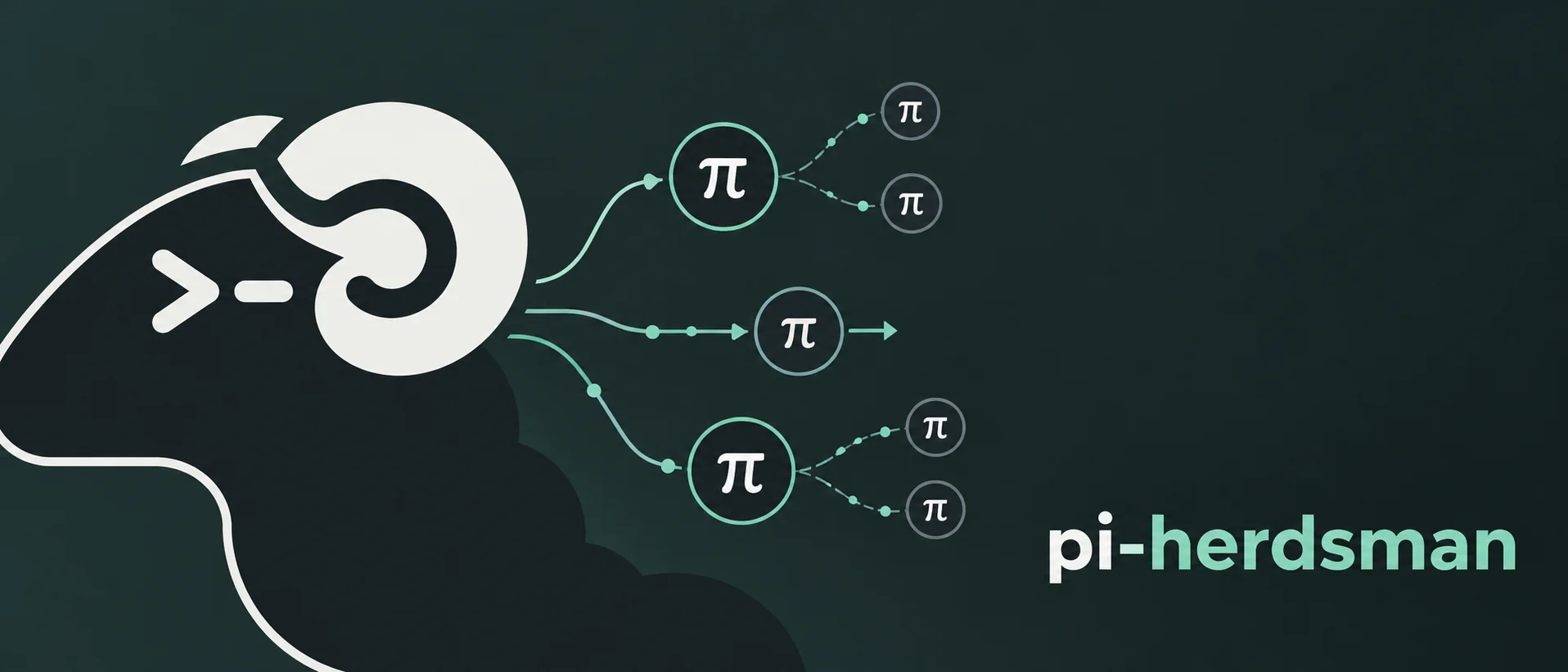




Asynchronous Pi subagents and agent fleet orchestration with nested delegation, parallel execution, and supervision in herdr.
Keep the conversation. Delegate the work.
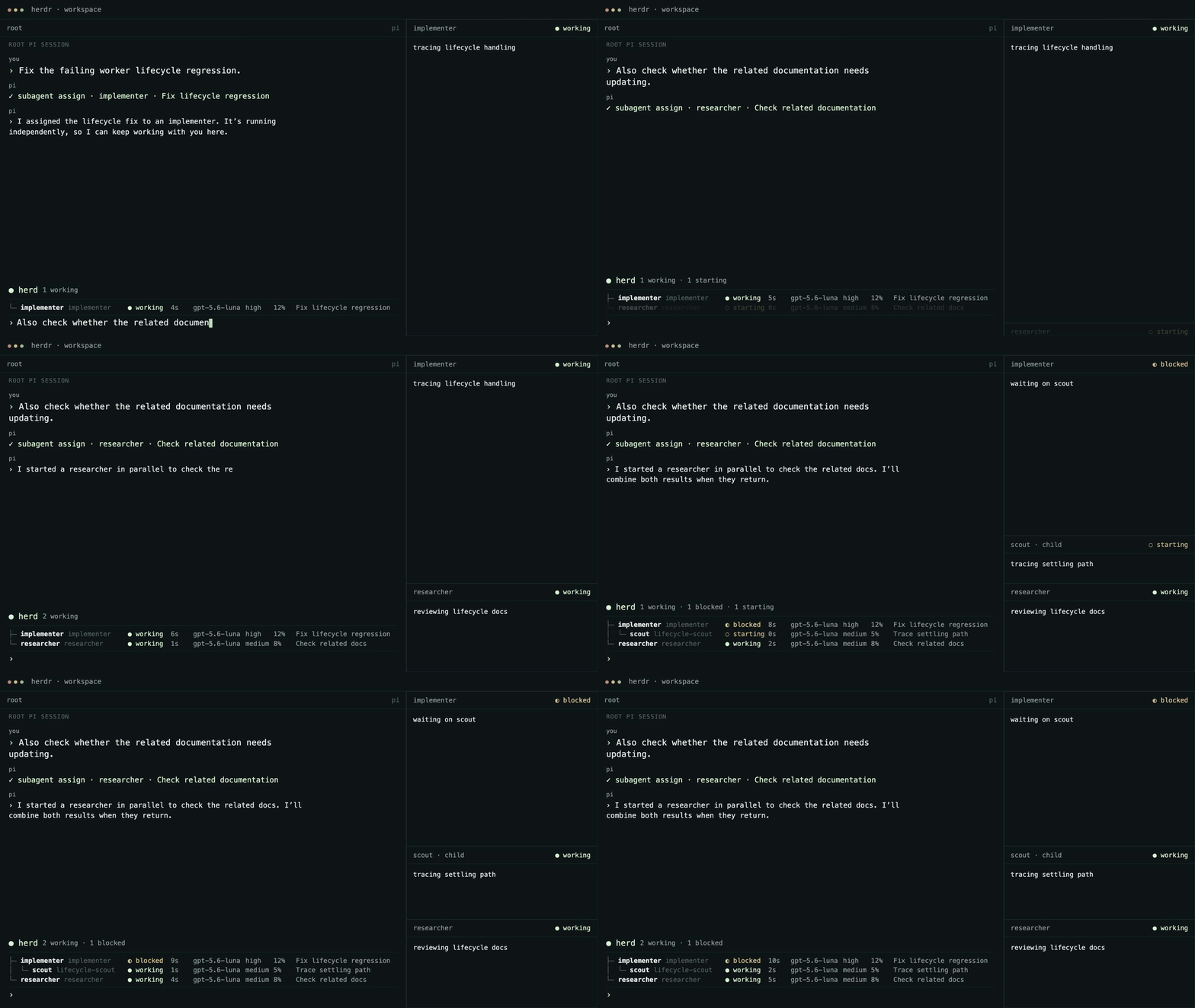
Pi Herdsman is a Pi extension for asynchronous subagents. Delegate coding tasks to managed background agents running in independent Pi sessions while the lead conversation stays interactive. Run agents in parallel, nest delegation, steer active agents, route questions and results back to their owning agent, and supervise multiple leads through one coordinated hierarchy.
Pi Herdsman calls its managed subagents agents.
You ↔ lead
      ├─ agent
      │  └─ agent
      └─ agent
A lead and its nested agent hierarchy form a herd, Herdsman's model of an agent fleet.
Pi Herdsman is opinionated about coordination, not workflow. A lead owns its agents, and a delegation-enabled agent may own permitted agents of its own. Agent definitions, models, tools, extensions, and development process remain up to you.
Chief supervision is separate from ownership:
chief
  ├─ herd A / lead A
  │  └─ agents...
  └─ herd B / lead B
     └─ agents...
Demo
Install
pi install npm:pi-herdsman
herdr integration install pi
Start Herdr in your project:
herdr
Then run Pi in the Herdr pane:
pi
Ask Pi normally:
Use scout to inspect this repository.
That's enough. The agent runs asynchronously while the lead conversation remains available.
Other useful requests look the same:
Use scout to map the authentication flow.
Have researcher verify the current upstream API behavior.
Have reviewer inspect this diff for correctness and unnecessary complexity.
Run scout and researcher independently while we continue planning here.
Open the human agent management surface at any time with:
/agents
To supervise independent leads across the current herdr runtime, use:
/chief
Leave chief mode with:
/chief leave
See supervision and the supervision reference.
For the complete walkthrough, see Getting started.
Why Pi Herdsman?
- Async subagents by default. Assignments return after acceptance while agents keep running and the owning lead session remains available. Results and owner questions return when they need attention.
- One assignment per agent. Each managed agent generation handles one
bounded assignment, delivers its terminal result, and is cleaned up. Continue
completed context with the explicit
continueaction and exact returned Pi session. - Nested multi-agent orchestration. Delegation-enabled agents can own and manage permitted agents themselves. Identity, ownership, steering, clarification, results, and cleanup share the same lifecycle across the hierarchy.
- Your workflow stays yours. Use the bundled portable roles, override them, or bring your own definitions, models, tools, extensions, and process. Pi Herdsman does not prescribe a plan, implementation, or review workflow.
- Small and disciplined. Pi Herdsman focuses on orchestration semantics. herdr manages physical sessions and placement; Pi keeps owning each conversation and turn state.
See Lifecycle for the exact asynchronous contract.
How it works
Pi Herdsman deliberately separates three responsibilities:
- herdr owns physical agent lifecycle and placement.
- Pi Herdsman owns assignment, clarification, result, and control coordination.
- Pi owns each session and turn state.
The model-facing tools are agent, chief, staff, and ask_owner.
agent manages owned assignments, chief sends messages or asks to the chief,
staff lets the chief supervise leads, and ask_owner lets an agent ask its
exact owner. Leads use chief.message and chief.ask; the active chief uses
staff.message and staff.reply with exact lead session IDs. Agent labels are
not continuation handles: exact Pi session IDs are the continuation selector.
A continued session reuses its saved logical label. Exact herdr identifiers are
validation evidence behind live agent and lead identity.
Bundled definitions are portable defaults, not required workflow stages. Global definitions can override them or add new roles with your preferred models, tools, extensions, skills, and instructions.
Requirements
- herdr
>=0.9.0 - Pi
>=0.84.2 <0.86.0(supported) - Node
>=22.19.0
CI validates Node 22.19.0 with the locked dependency set.
Install or refresh the herdr Pi integration:
herdr integration install pi
herdr integration status
The package manifest loads the bundled extension and exposes the optional
agents skill.
Compatible extensions
Pi Herdsman interoperates with optional Pi extensions without depending on them:
- pi-web-access — the bundled
researcherrecognizes its standard web-research tools. - pi-permission-system — shared agent frontmatter, active-agent identity, and subagent lineage conventions support per-agent permission policy.
Neither extension is required or installed by Pi Herdsman.
Documentation
Choose the path that matches what you are doing:
- Using Pi Herdsman: Getting started, then the
/agentscommands, status widget, and agent definitions. - Supervising leads: Supervision, then the supervision reference.
- Building agent coordination: Agent coordination API,
then the
agentAPI, Lifecycle, and Delegation. - Developing Pi Herdsman: Documentation index and development validation.
Repository validation
Complete focused tests, smoke testing, review, and all intermediate checks
first. Then, before staging or committing, run prettier . --write once as the
final pre-commit mutation, followed only by the read-only checks npm run check
and git diff --check.
See Development validation for the detailed validation order.