pi-htmldoc
Free artifact publishing for Pi: share any HTML or Markdown file your agent writes as a link anyone can open. One tool call, no deploy, no hosting.
Package details
Install pi-htmldoc from npm and Pi will load the resources declared by the package manifest.
$ pi install npm:pi-htmldoc- Package
pi-htmldoc- Version
0.1.5- Published
- Oct 18, 2026
- Downloads
- 438/mo · 144/wk
- Author
- ajaxray
- License
- MIT
- Types
- extension, skill
- Size
- 25.4 KB
- Dependencies
- 1 dependency · 3 peers
Pi manifest JSON
{
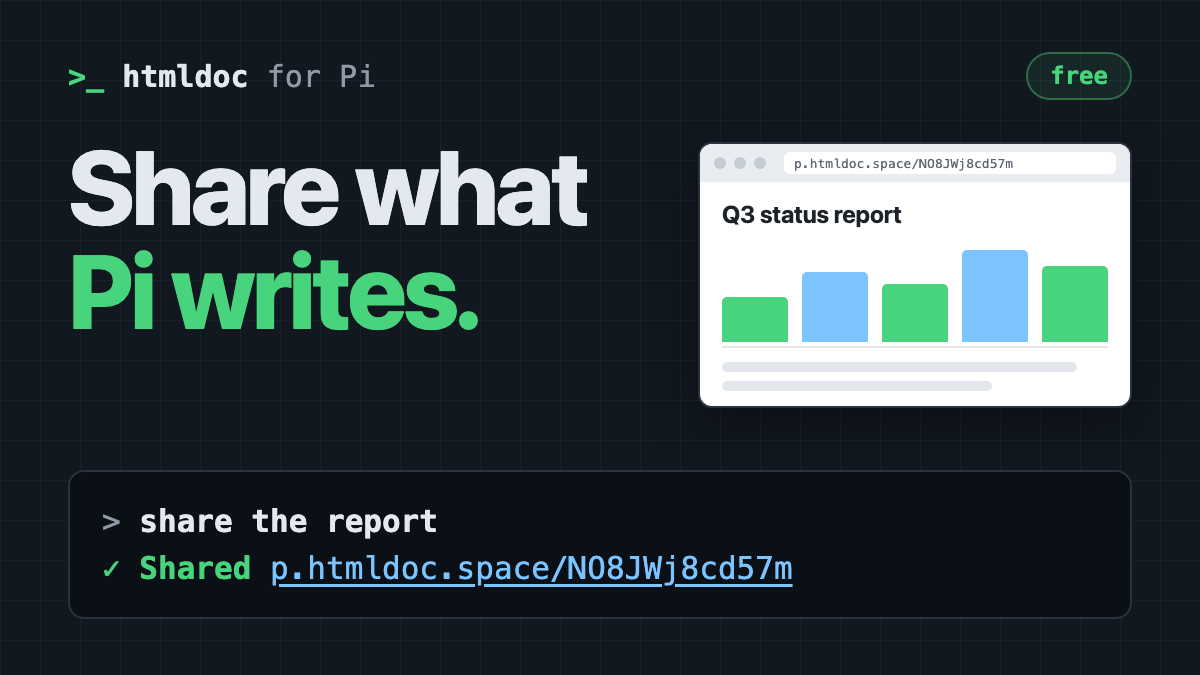
  "image": "https://raw.githubusercontent.com/ajaxray/pi-htmldoc/main/docs/preview.png",
  "skills": [
    "./skills"
  ],
  "extensions": [
    "./extensions/htmldoc.ts"
  ]
}
Security note
Pi packages can execute code and influence agent behavior. Review the source before installing third-party packages.
README
pi-htmldoc
Free artifact publishing for Pi. Pi writes the report, the plan, the mockup. Say "share it" and you get a link anyone can open. No deploy, no hosting, no repo.
pi install npm:pi-htmldocThen, in any Pi session:
You: write a status report as HTML, then share it
Pi: Here's your link: https://p.htmldoc.space/NO8JWj8cd57m. It expires 2026-11-12. Say "share again" after edits and the same link updates.
That link is a real page. Open it.
Why
Agents are good at HTML: dashboards, reports, diagrams, mockups, plans with tables. Getting that file in front of someone else is the clumsy part. You attach it to a chat where it opens as source, or push it to a repo, or set up hosting for one page.
pi-htmldoc makes it one step. The file goes to htmldoc.space, and you get an unlisted link that renders it in any browser.
- HTML is served byte for byte. Scripts run, so charts, tabs, and collapsible sections work.
- Markdown is rendered to a clean page.
- Re-share keeps the link. Edit the file, say "share again", and the same link shows the new version. Nobody needs a new URL.
What you get
htmldoc_publishtool. Pi calls it whenever you ask to share, publish, or make a file shareable. The result carries the link, id, and expiry, and the link is clickable in your terminal./publish <file>. Publish yourself, without a model turn./publishalone re-publishes the last file to the same link;--newmakes a fresh one. (Pi's own/shareis different: it uploads your session.)- Last link in the footer, with its expiry:
last published: https://p.htmldoc.space/… expires: 2026-11-12 (Pin to survive expiry). - Sign-in without leaving Pi. The first share shows a GitHub approval
link and opens it in your browser. Approve once, and Pi finishes the share.
/htmldoc-logindoes it ahead of time. - Memory across sessions. Pi remembers which link belongs to which file, so "share it again" updates the right page after you resume or branch.
- A bundled skill that tells the model when to publish and when to update.
Free, with limits
htmldoc.space is free and run by one person.
| File types | .html, .htm, .md, .markdown, one file per link |
| Size | 2 MB HTML, 512 KB Markdown |
| Lifetime | 30 days, reset on every update; pin up to 5 pages on your dashboard to keep them |
| Live pages | 100 per account |
| Account | GitHub sign-in |
Links are unlisted and kept out of search engines, but not private: anyone with the link can open it. Pages carry a small badge with a Report link and nothing else: no ads, no analytics.
Your key stays out of the conversation
The tool runs the bundled htmldoc-cli,
which keeps your API key in ~/.config/htmldoc/. The model never reads it,
never types it, and never runs login commands. The sign-in link goes to you
through Pi's UI, not through the chat. Signing in once also covers htmldoc
in your terminal.
More
- The full tour: htmldoc.space/pi
- Try it for one session without installing:
pi -e npm:pi-htmldoc - In Pi's print and JSON modes there is no UI for the approval link. Sign in
once from a terminal with
npx htmldoc-cli login. - Already installed the generic
htmldocskill (npx skills add ajaxray/htmldoc-skill)? The two load side by side; this package's skill tells the model to use the tool. Remove the generic one if you want a single htmldoc skill in Pi's prompt. - Your dashboard at htmldoc.space/dashboard lists every link, with pin and delete.
- Bugs and ideas: issues.
Development
npm install --omit=peer
npm test
pi -e .
License
MIT