pi-icarus-hook
Thin Pi lifecycle bridge to local Hermes/Icarus Memory OS hooks and tools
Package details
Install pi-icarus-hook from npm and Pi will load the resources declared by the package manifest.
$ pi install npm:pi-icarus-hook- Package
pi-icarus-hook- Version
0.7.0- Published
- Oct 29, 2026
- Downloads
- 712/mo · 244/wk
- Author
- ryu-cz
- License
- MIT
- Types
- extension
- Size
- 231.3 KB
- Dependencies
- 1 dependency · 1 peer
Pi manifest JSON
{
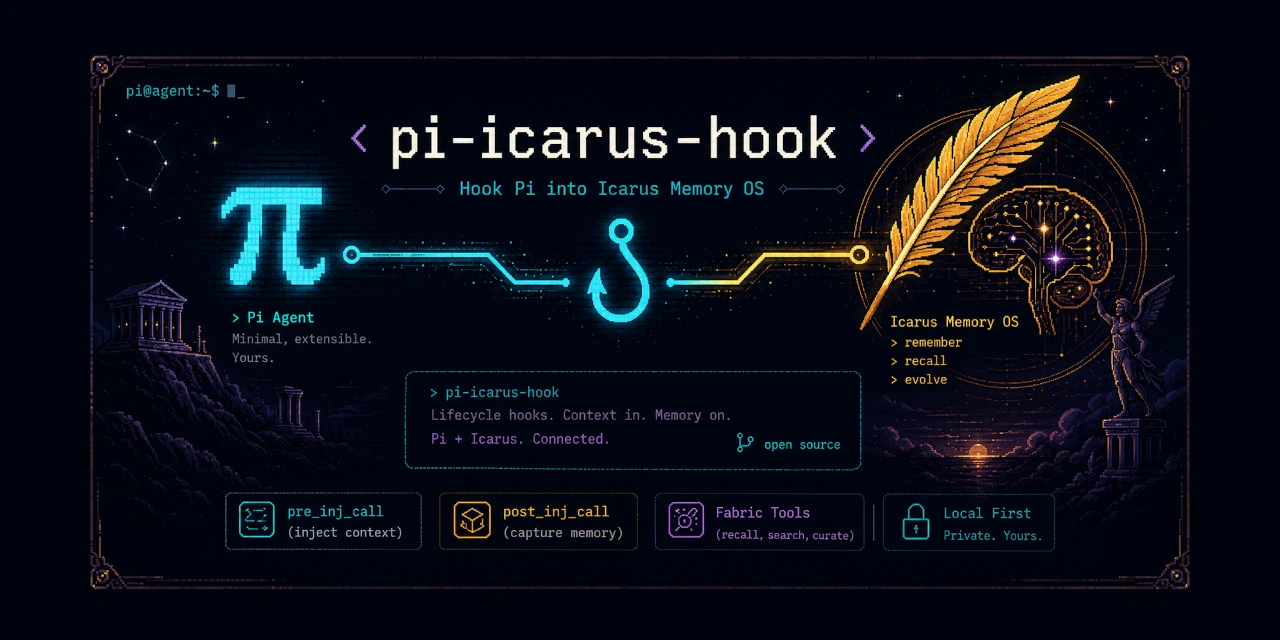
  "image": "https://raw.githubusercontent.com/Ryu-CZ/pi-icarus-hook/main/media/banner.webp",
  "extensions": [
    "./src/index.ts"
  ]
}
Security note
Pi packages can execute code and influence agent behavior. Review the source before installing third-party packages.
README
pi-icarus-hook
Give Pi access to your existing Hermes/Icarus memory.
Pick up where you left off, without reminding Pi to look up memory before every answer.
- Remember the context. Icarus supplies memories before Pi answers.
- Carry useful work forward. Successful exchanges go back to Icarus for capture.
- Stay in control. Turn automatic memory off, or simply hide its messages.
This connects an existing Hermes/Icarus / Memory OS installation. It does not install or replace the memory backend.
Get started
You need Pi, Node.js 22+, and a working local Icarus installation with its Python dependencies.
The default plugin location is ~/.hermes/plugins/icarus.
pi install npm:pi-icarus-hook
pi
Already running Pi? Reload or restart after installation. Then ask something natural:
“What did we decide about this project last time?”
Memory context is visible by default. 🪽 Icarus in the footer means automatic memory is on. Pi can also search, recall, and write Fabric memories when you ask.
Everyday controls
| You want to… | Run in Pi |
|---|---|
| Check whether automatic memory is on | /icarus status |
| Stop automatic memory for this session | /icarus off |
| Turn it back on | /icarus on |
| Hide memory messages, but keep using memory | /icarus context hide |
| Show memory messages again | /icarus context show |
| Start future sessions with messages hidden | /icarus context default hide global |
| See the active configuration | /icarus config |
Hiding is not disabling. Hidden context still goes to the model. Turning automatic memory off does not remove context already in the conversation or disable explicit Fabric tools.
Session controls apply now; saved defaults apply to future sessions.
Use project instead of global to save a visibility default just for a trusted project.
Keep only useful context
The optional classifier automatically removes text it confidently judges irrelevant before memory reaches Pi. Uncertain text stays; if classification fails, the original context is kept. Startup context is left alone.
classifier setting |
What it does |
|---|---|
"default" |
Automatically choose an available classifier, preferring local models |
"none" |
Keep the original context without classification |
"provider/model-id" |
Use exactly that classifier from Pi |
Privacy and cost: default may use a configured remote provider when no local
classifier is available. That sends your prompt and candidate context to that provider
and may incur charges. Choose an exact local model to prevent remote fallback, or use none.
Filtering is a relevance estimate, not fact-checking. Discarded text may not be offered again later by Icarus.
A few settings, only if you need them
Put this inside your Pi settings file—normally ~/.pi/agent/settings.json—to hide
memory messages by default and disable classification:
{
  "piIcarusHook": {
    "contextDisplay": false,
    "classifier": "none"
  }
}
For a different installation, add "icarusDir": "/path/to/icarus" and
"python": "/path/to/venv/bin/python" inside piIcarusHook.
Use the Python environment where Icarus's dependencies are installed.
Reload or restart Pi after editing settings.
Need more? Full configuration reference →
Help & further reading
- Memory missing? Check
/icarus status, then/icarus configfor the plugin and Python paths. After a backend failure, restart the session to reinitialize memory. - Found a problem? Report an issue.
- What changed? Read the changelog.
- Developing the extension? Read the technical vision & developer guide.