pi-killswitch
Keep Pi runs controlled with automatic context-budget wrap-up and kill thresholds.
Package details
Install pi-killswitch from npm and Pi will load the resources declared by the package manifest.
$ pi install npm:pi-killswitch- Package
pi-killswitch- Version
0.2.2- Published
- Jun 8, 2026
- Downloads
- not available
- Author
- boadij
- License
- Apache-2.0
- Types
- extension
- Size
- 350.8 KB
- Dependencies
- 0 dependencies · 1 peer
Pi manifest JSON
{
  "extensions": [
    "./index.ts"
  ],
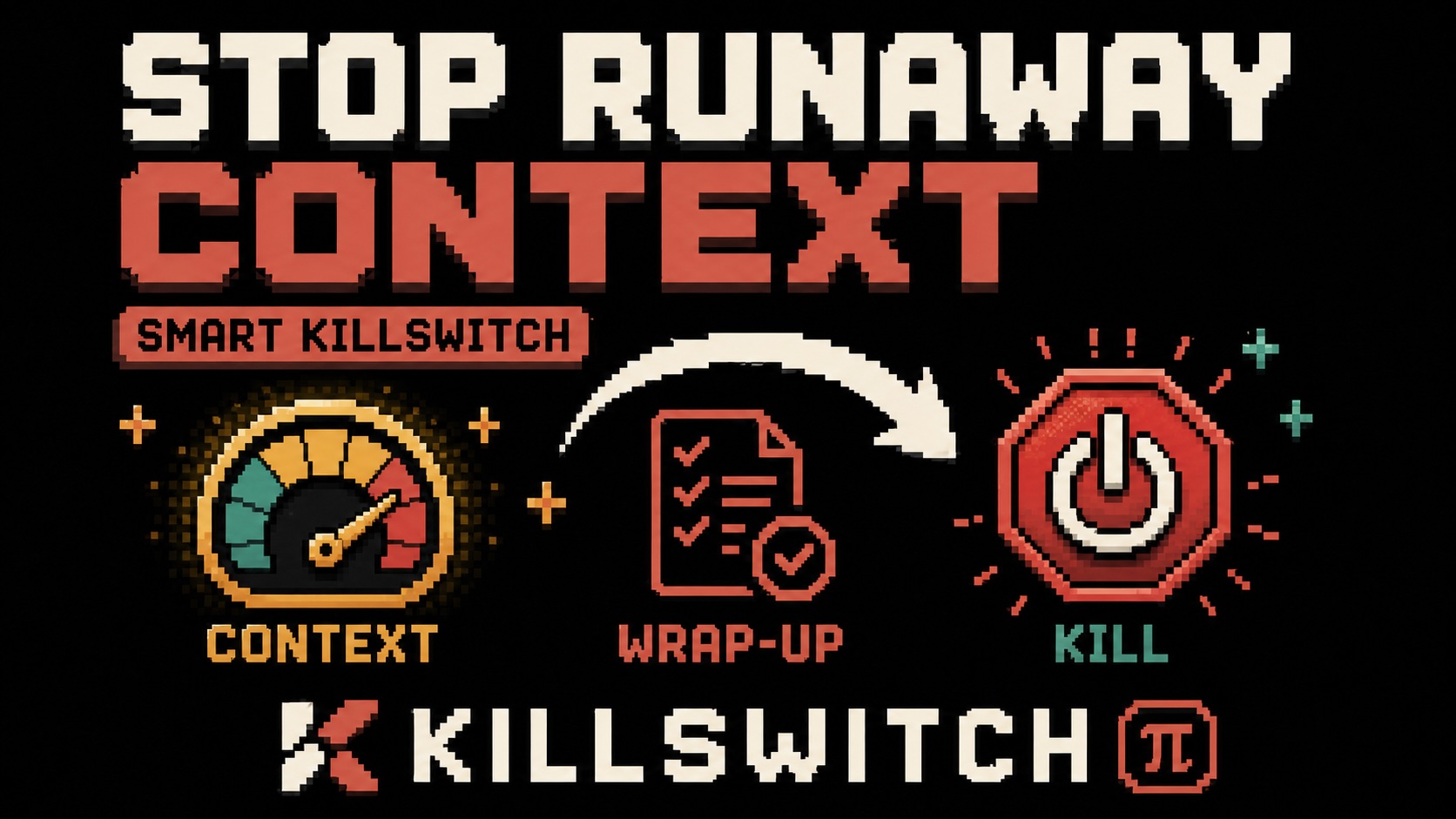
  "image": "https://raw.githubusercontent.com/boadij/pi-killswitch/main/banner.jpg"
}
Security note
Pi packages can execute code and influence agent behavior. Review the source before installing third-party packages.
README
☠️ Killswitch
Killswitch keeps Pi runs controlled by enforcing context-budget wrap-up and kill thresholds.
Start working. Stop before the context gets out of hand.
What it does
pi-killswitch watches Pi's current context usage and can request a wrap-up or kill the current run when configured thresholds are reached.
It can:
- send a wrap-up steering message near the context budget
- abort the current run at the kill threshold
- auto-disable after a kill until the next safe rearm
- persist per-session state across reloads
What it does not do
pi-killswitch does not switch models, manage subagents, manage compaction, or route between premium and economy models.
Package contract
pi-killswitch is a Pi package, not a generic Node library. Pi loads the TypeScript extension entry directly, and the package does not define Node library entry points.
Install
pi install pi-killswitchOpen the config UI:
/killswitchIf no config file exists, Killswitch uses safe defaults. To disable it globally, set enabled to false in /killswitch, or use /killswitch off to disable only the current session.
Commands
/killswitch
/killswitch status
/killswitch wrap
/wrap-up
/killswitch on
/killswitch off
/killswitch help/killswitchopens the config UI./killswitch statusshows current usage, active threshold, thresholds, mode, state, config path, and version./killswitch wraprequests an immediate wrap-up./wrap-upis a shortcut for requesting an immediate wrap-up./killswitch onenables Killswitch for the current session./killswitch offdisables Killswitch for the current session./killswitch helpshows command help.
Config
Config is stored in your Pi agent directory as killswitch.json.
Fields:
enabled: enable or disable globallymode:kill,wrap-up, orwrap-up-then-killautoDisarmAfterKill: auto-disable after a kill before the next promptautoRearmWhenSafe: auto-rearm when usage falls back below the relevant thresholdwrapUpThreshold: threshold for wrap-up, required unless mode iskillkillThreshold: threshold for killwrapUpMessage: wrap-up message
Thresholds are explicit and use exactly one metric:
{ "metric": "percent", "value": 75 }or:
{ "metric": "tokens", "value": 100000 }In wrap-up-then-kill mode, the wrap-up and kill thresholds must use the same metric, and wrap-up must be lower than kill.
Invalid or unreadable config produces a visible error and falls back to safe defaults.
Wrap-up vs kill
A wrap-up sends a user steering message asking the agent to finish gracefully, summarize current state, avoid more tools, and stop.
A kill aborts the current agent run immediately, marks the session as killed, then auto-disables before the next prompt. It re-arms automatically when context falls back below the kill threshold.
In wrap-up-then-kill mode, Killswitch requests wrap-up when the wrap threshold is reached. If the kill threshold is already reached in the same context event, it kills immediately rather than waiting for another event.
Recommended defaults
The default mode is wrap-up-then-kill:
{
  "enabled": true,
  "mode": "wrap-up-then-kill",
  "autoDisarmAfterKill": true,
  "autoRearmWhenSafe": true,
  "wrapUpThreshold": { "metric": "percent", "value": 75 },
  "killThreshold": { "metric": "percent", "value": 85 },
  "wrapUpMessage": "Context budget reached. Finish gracefully, summarize current state, do not call more tools, and stop."
}
Relationship to pi-downshift
pi-downshift switches to a cheaper model after a context threshold.
pi-killswitch wraps up or kills the run after a context threshold.
They solve related but different problems.
Release
Local checks before publishing:
npm ci
npm run check
npm pack --dry-run
Release Please is configured for pi-killswitch and npm provenance publishing. See RELEASING.md.