pi-kimi-usage
Shows Kimi usage in the pi status bar when a Kimi model is selected
Package details
Install pi-kimi-usage from npm and Pi will load the resources declared by the package manifest.
$ pi install npm:pi-kimi-usage- Package
pi-kimi-usage- Version
0.1.2- Published
- Apr 27, 2026
- Downloads
- 384/mo · 149/wk
- Author
- muffe
- License
- MIT
- Types
- extension
- Size
- 14.1 KB
- Dependencies
- 0 dependencies · 1 peer
Pi manifest JSON
{
  "extensions": [
    "./extensions"
  ],
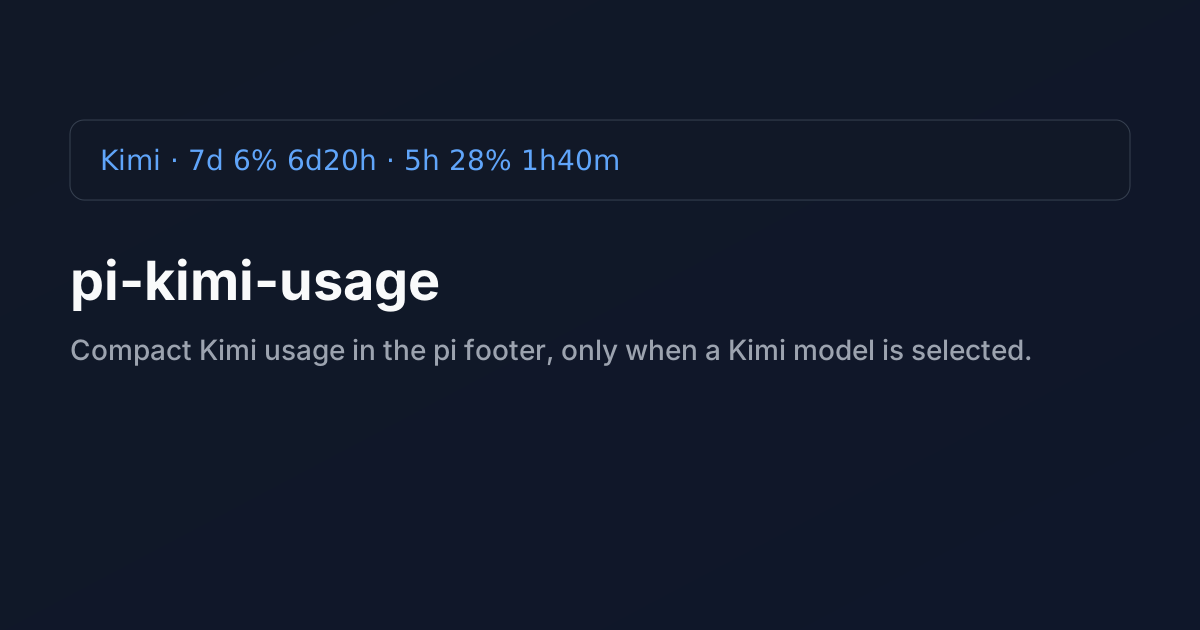
  "image": "https://raw.githubusercontent.com/muffe/pi-kimi-usage/main/assets/preview.svg"
}
Security note
Pi packages can execute code and influence agent behavior. Review the source before installing third-party packages.
README
pi-kimi-usage


A pi extension that shows compact Kimi usage info in the footer, only when a kimi-coding model is selected.
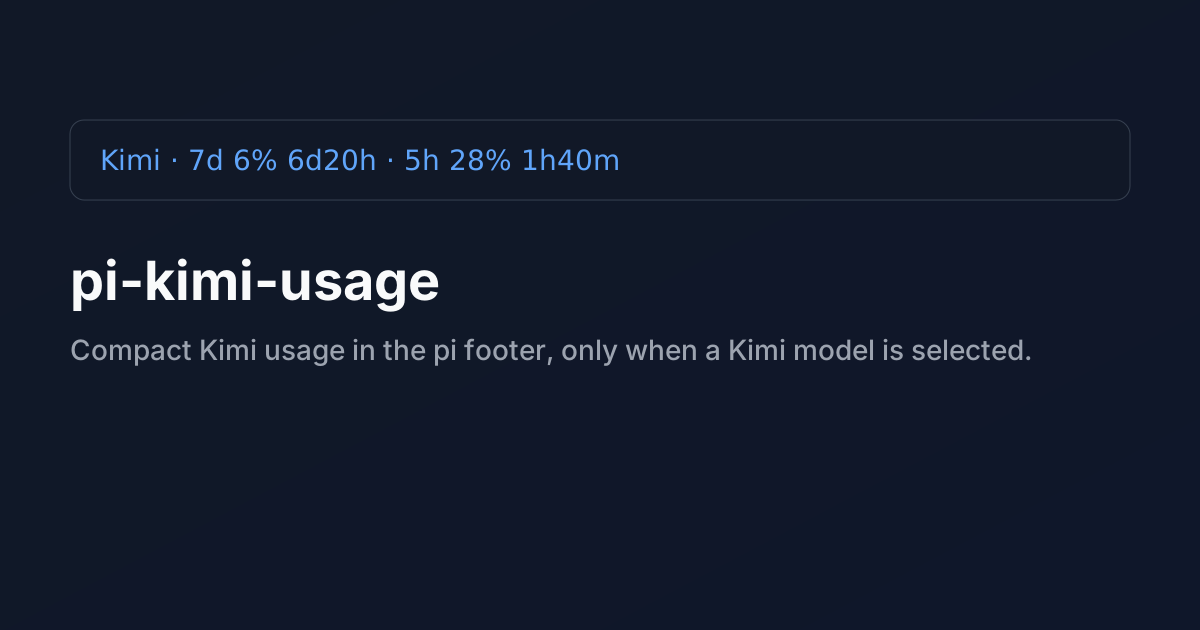
Example output:
Kimi · 7d 6% 6d20h · 5h 28% 1h40m
Features
- Shows Kimi usage only for
kimi-codingmodels - Refreshes on session start, every 60 seconds, and on turn end
- Reads auth from:
KIMI_API_KEY~/.pi/agent/auth.json→kimi-coding.key- literal key
- env var name
- shell command prefixed with
!
- Uses
KIMI_CODE_BASE_URLif set, otherwise defaults tohttps://api.kimi.com/coding/v1/usages
Install
From npm:
pi install npm:pi-kimi-usage
From GitHub:
pi install git:github.com/muffe/pi-kimi-usage
npm package:
Notes
This extension intentionally resolves auth.json shell-command keys (values starting with !) to match pi auth behavior.