pi-modelshortcuts
Slash commands that switch models in Pi: bind /quick, /heavy, or your own names to models
Package details
Install pi-modelshortcuts from npm and Pi will load the resources declared by the package manifest.
$ pi install npm:pi-modelshortcuts- Package
pi-modelshortcuts- Version
0.1.0- Published
- Oct 8, 2026
- Downloads
- 403/mo · 403/wk
- Author
- vitalnohj
- License
- MIT
- Types
- extension
- Size
- 22.8 KB
- Dependencies
- 0 dependencies · 3 peers
Pi manifest JSON
{
  "image": "https://raw.githubusercontent.com/vitalNohj/pi-modelshortcuts/main/assets/preview.png",
  "extensions": [
    "./index.ts"
  ]
}Security note
Pi packages can execute code and influence agent behavior. Review the source before installing third-party packages.
README
pi-modelshortcuts
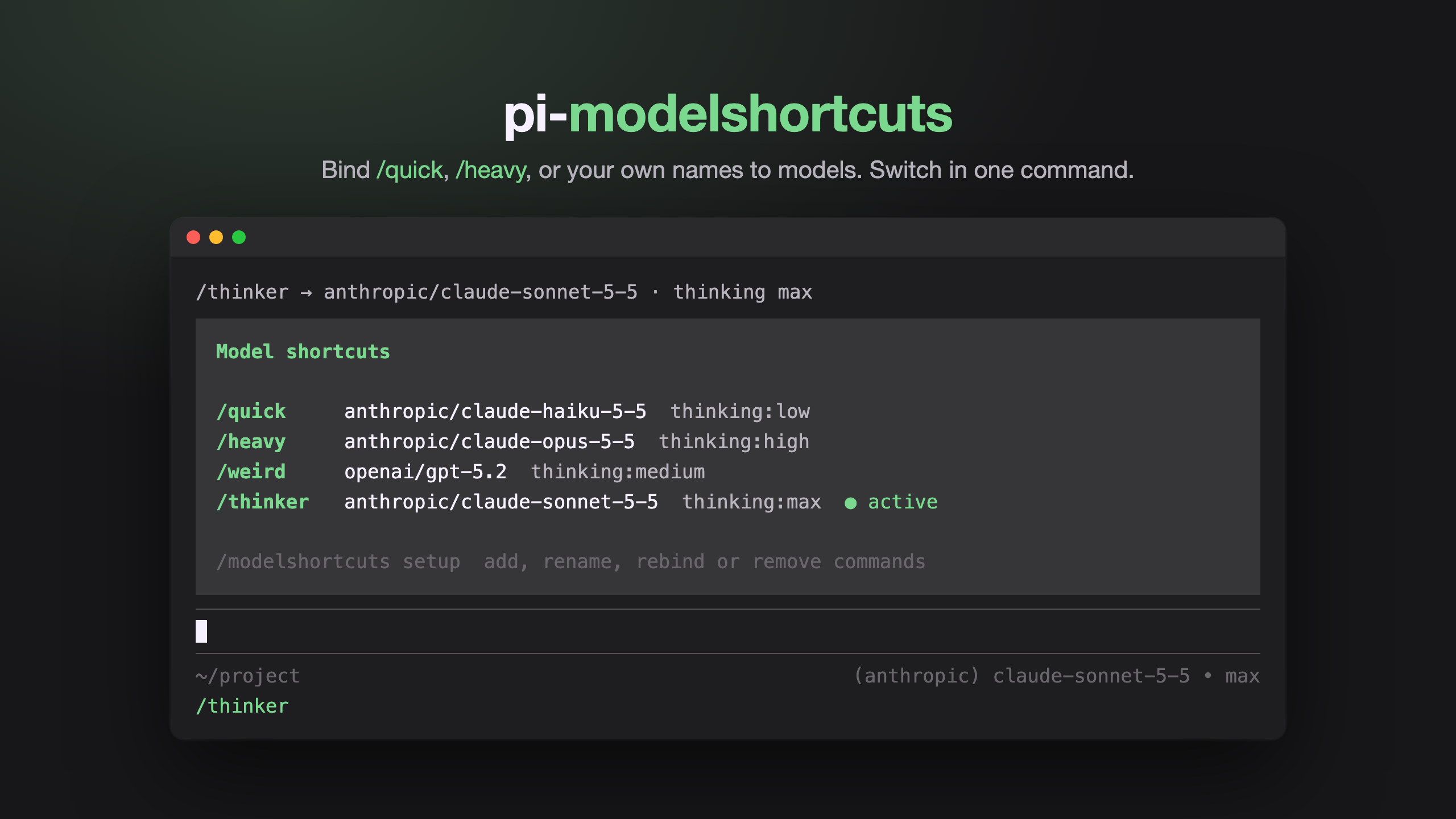
Slash commands that switch models in Pi. Bind /quick, /heavy, or any name you like to a model, and switch with one command.
Install
pi install npm:pi-modelshortcutsStart a new Pi session afterwards.
Usage
| Command | What it does |
|---|---|
/modelshortcuts |
Show your shortcuts and which one is active |
/modelshortcuts setup |
Add, rename, rebind, or remove shortcuts |
/quick, /heavy, /weird, ... |
Switch to the bound model |
You start with /quick, /heavy, and /weird, all unset. Run /modelshortcuts setup, pick a shortcut, and choose a model from the searchable list. Running an unset shortcut also asks you to pick one.
In setup you can also:
- Add your own - type a name like
thinker, pick a model, and/thinkeris ready. Pi reloads once to register it. - Set a thinking level - optional per shortcut, e.g.
/thinker= Opus onhigh. Or choose Use Pi default to get the level Pi would pick for that model (shown in the menu). - Rename or remove any shortcut, including the defaults.
The footer shows the shortcut for the model you're on.
Config
Shortcuts are saved to ~/.pi/agent/modelshortcuts.json. You can edit it by hand:
{
  "version": 1,
  "slots": [
    { "name": "quick", "provider": "anthropic", "model": "claude-haiku-5-5", "thinkingLevel": "low" },
    { "name": "thinker", "provider": "anthropic", "model": "claude-opus-5-5", "thinkingLevel": "high" }
  ]
}
Names are lowercase letters, digits, - and _, up to 32 characters. Setup rejects names already used by Pi or another extension. Run /reload after adding or renaming shortcuts by hand.
Related
pi-model-alias takes a different approach: it adds alias models that appear in /model, --model, and model cycling. Use it if you want names that work everywhere a model ID does; use this one for one-word slash commands with a thinking level attached.
License
MIT