pi-next-prompt
Suggests your next prompt in grey after each reply; Tab takes it
Package details
Install pi-next-prompt from npm and Pi will load the resources declared by the package manifest.
$ pi install npm:pi-next-prompt- Package
pi-next-prompt- Version
0.1.3- Published
- Oct 28, 2026
- Downloads
- 1,244/mo · 633/wk
- Author
- pringled
- License
- MIT
- Types
- extension
- Size
- 7.6 KB
- Dependencies
- 0 dependencies · 3 peers
Pi manifest JSON
{
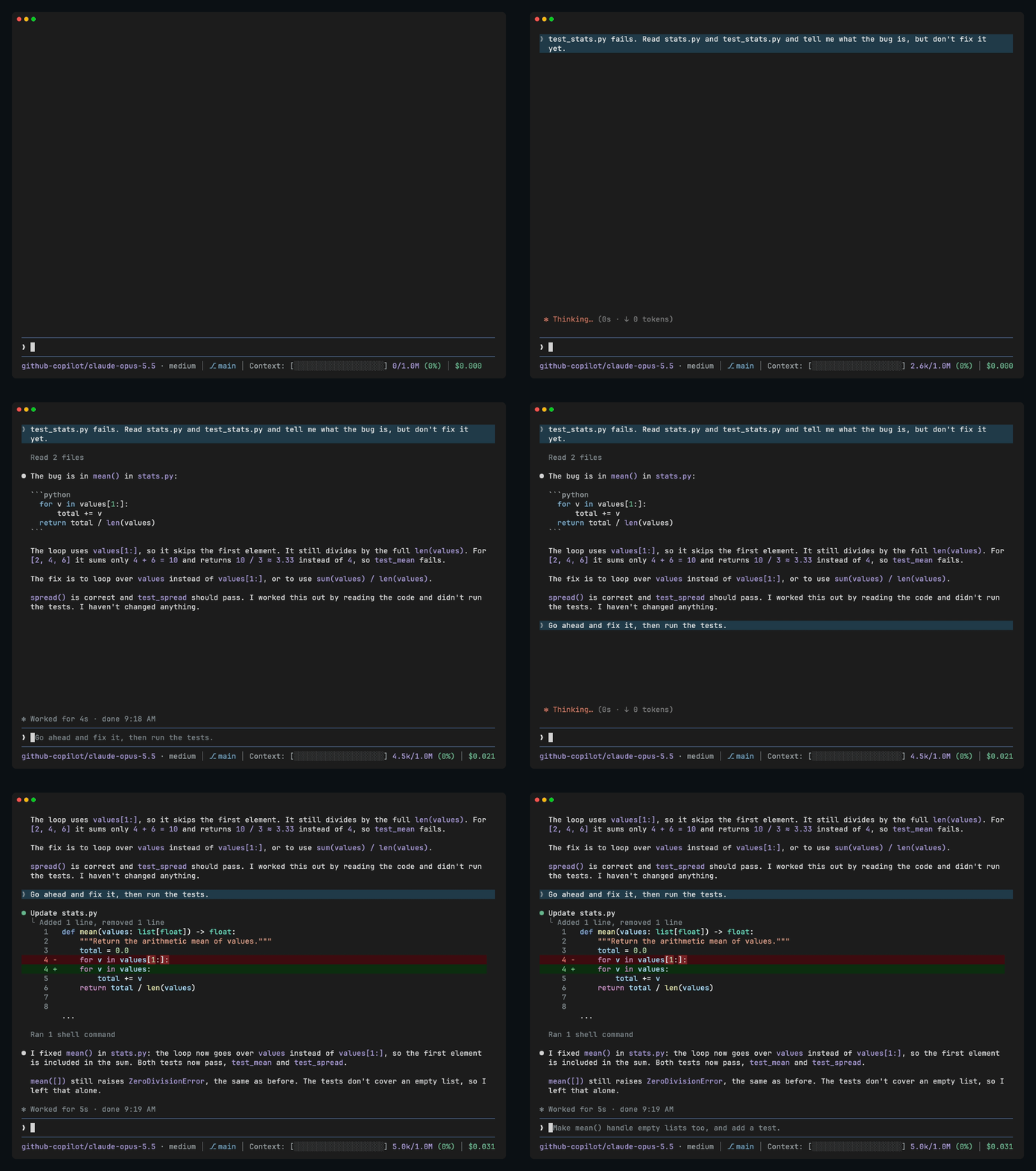
  "image": "https://raw.githubusercontent.com/Pringled/pi-extensions/main/assets/images/pi-next-prompt-dark.gif",
  "extensions": [
    "./extensions/next-prompt.ts"
  ]
}
Security note
Pi packages can execute code and influence agent behavior. Review the source before installing third-party packages.
README
pi-next-prompt
Suggests what you'll probably ask Pi next. When Pi finishes a reply, a suggestion shows up in grey in the empty input, such as "Go ahead and fix it, then run the tests."
pi install npm:pi-next-promptUsage
Tabor→puts the suggestion in the input, so you can send it withEnteror edit it first.- Typing hides it, and it comes back if you delete what you typed.
escdismisses it until the next reply.
There's no suggestion when Pi doesn't see an obvious next step, after an error, or while you have messages queued.
How it works
After each reply, the extension asks the same model for one short guess at your next message. The request starts with exactly what Pi just sent, at the same thinking level, so it reuses Pi's prompt cache.
License
MIT