pi-paste-context
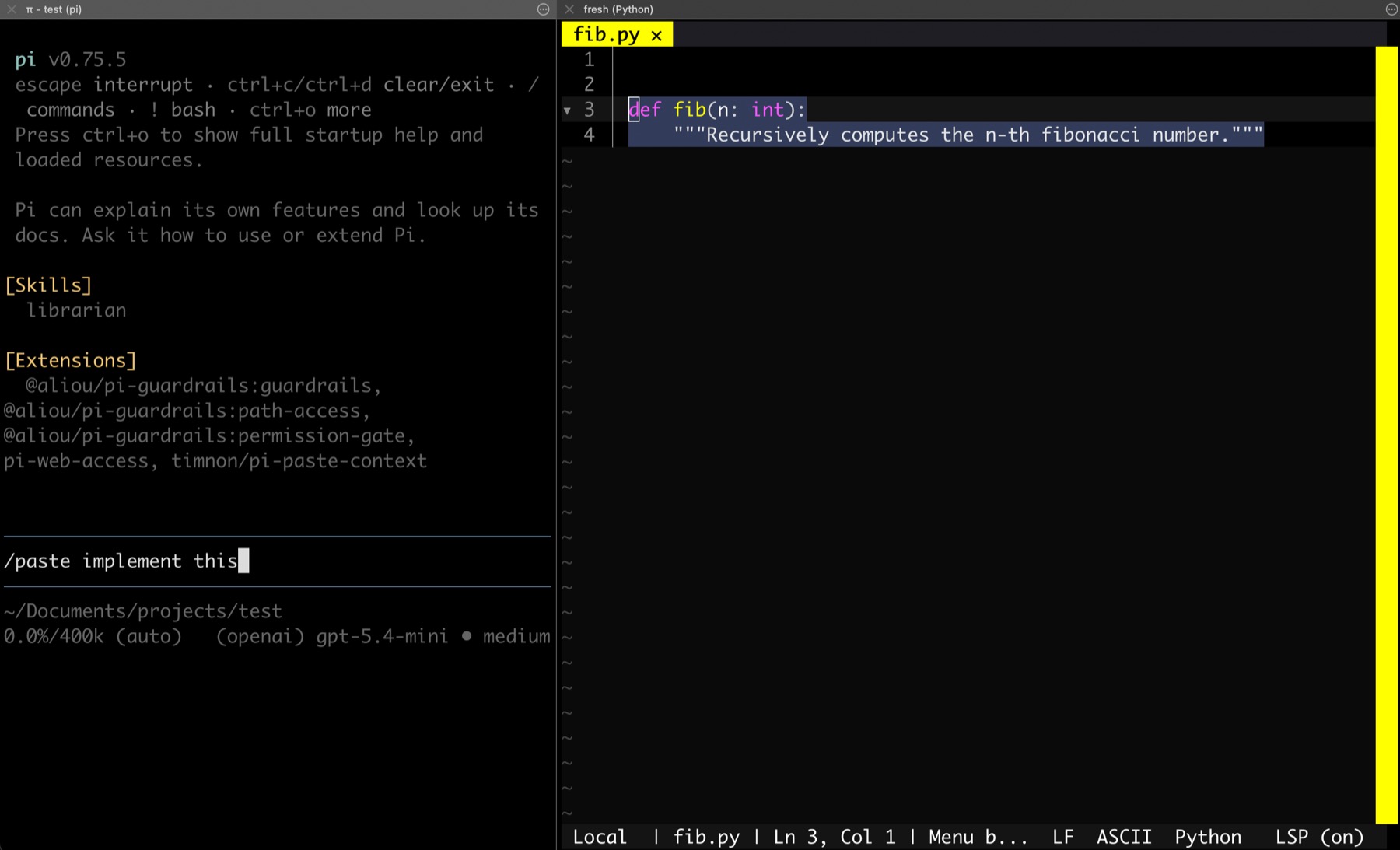
A pi extension to add coding support to any editor by using the clipboard (aka CTRL+C) for light integration. It searches the current project for the text in your clipboard, and then sends the matching file and snippet into the conversation as context, po
Package details
Install pi-paste-context from npm and Pi will load the resources declared by the package manifest.
$ pi install npm:pi-paste-context- Package
pi-paste-context- Version
0.1.1- Published
- May 25, 2026
- Downloads
- not available
- Author
- timnon
- License
- MIT
- Types
- extension
- Size
- 168.3 KB
- Dependencies
- 0 dependencies · 1 peer
Pi manifest JSON
{
  "extensions": [
    "./index.ts"
  ],
  "image": "https://raw.githubusercontent.com/timnon/pi-paste-context/main/assets/pi-paste-context-screenshot.jpg"
}
Security note
Pi packages can execute code and influence agent behavior. Review the source before installing third-party packages.
README
pi-paste-context: add coding support to any editor
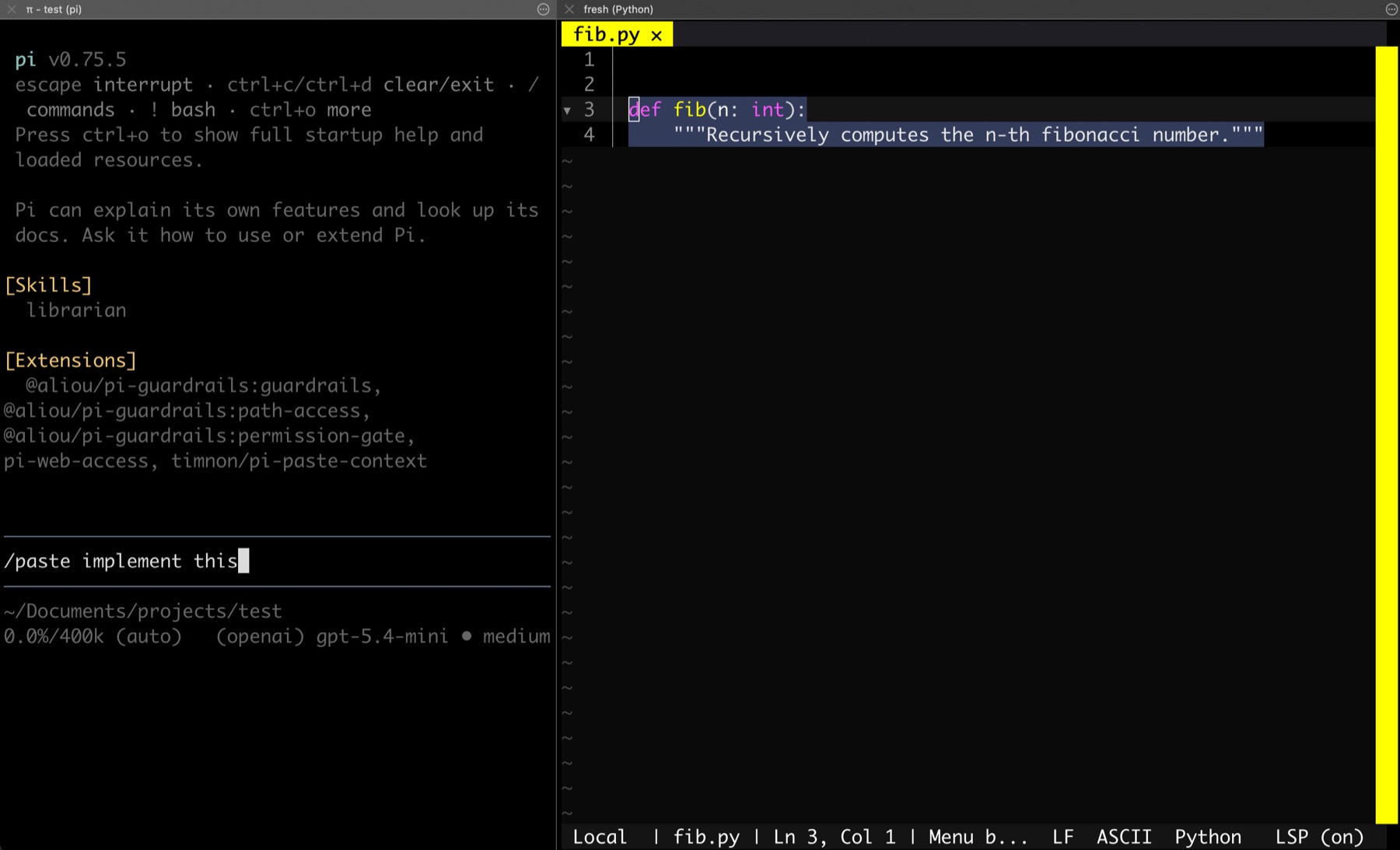
A pi extension to add coding support to any editor by using the clipboard (aka CTRL+C) for light integration. It searches the current project for the text in your clipboard, and then sends the matching file and snippet into the conversation as context, potentially with your instructions on top.
What it does
- Reads your clipboard with
pbpaste,wl-paste, orxclip - Searches the current working directory for matching text
- Lets you choose between multiple matches when needed
- Injects a context-rich prompt so pi can explain, edit, or refactor the matched file
Installation
From npm
After publishing, install it from npm with:
pi install npm:pi-paste-context
You can also pin a version:
pi install npm:pi-paste-context@0.1.1
From GitHub
For a local or unreleased checkout, install directly from the repo:
pi install git:github.com/timnon/pi-paste-context
You can also pin a tag or branch:
pi install git:github.com/timnon/pi-paste-context@main
pi install git:github.com/timnon/pi-paste-context@v1.0.0
Local development
For a local checkout, add it to your pi settings:
{
  "packages": ["/absolute/path/to/pi-paste-context"]
}
Or load the extension directly while testing:
pi -e ./index.ts
Usage
Once installed, use the /paste command inside pi.
/paste
/paste explain this function
/paste refactor this to use async/await
- If you omit arguments, it defaults to “explain this”.
- If multiple files contain the clipboard text, pi will prompt you to pick one.
- If the clipboard is empty or no match is found, the extension will notify you.
How it works
The extension scans files in the current directory and ignores:
.git/node_modules/
It also skips files larger than 2 MB and binary files.
License
MIT