pi-secret-shield
Privacy & secret redaction shield for Pi coding agent. Prevents leaking tokens, API keys, credentials, and environment dumps to LLMs.
Package details
Install pi-secret-shield from npm and Pi will load the resources declared by the package manifest.
$ pi install npm:pi-secret-shield- Package
pi-secret-shield- Version
1.0.1- Published
- Oct 31, 2026
- Downloads
- 562/mo · 562/wk
- Author
- marceloid
- License
- MIT
- Types
- extension
- Size
- 661.9 KB
- Dependencies
- 0 dependencies · 1 peer
Pi manifest JSON
{
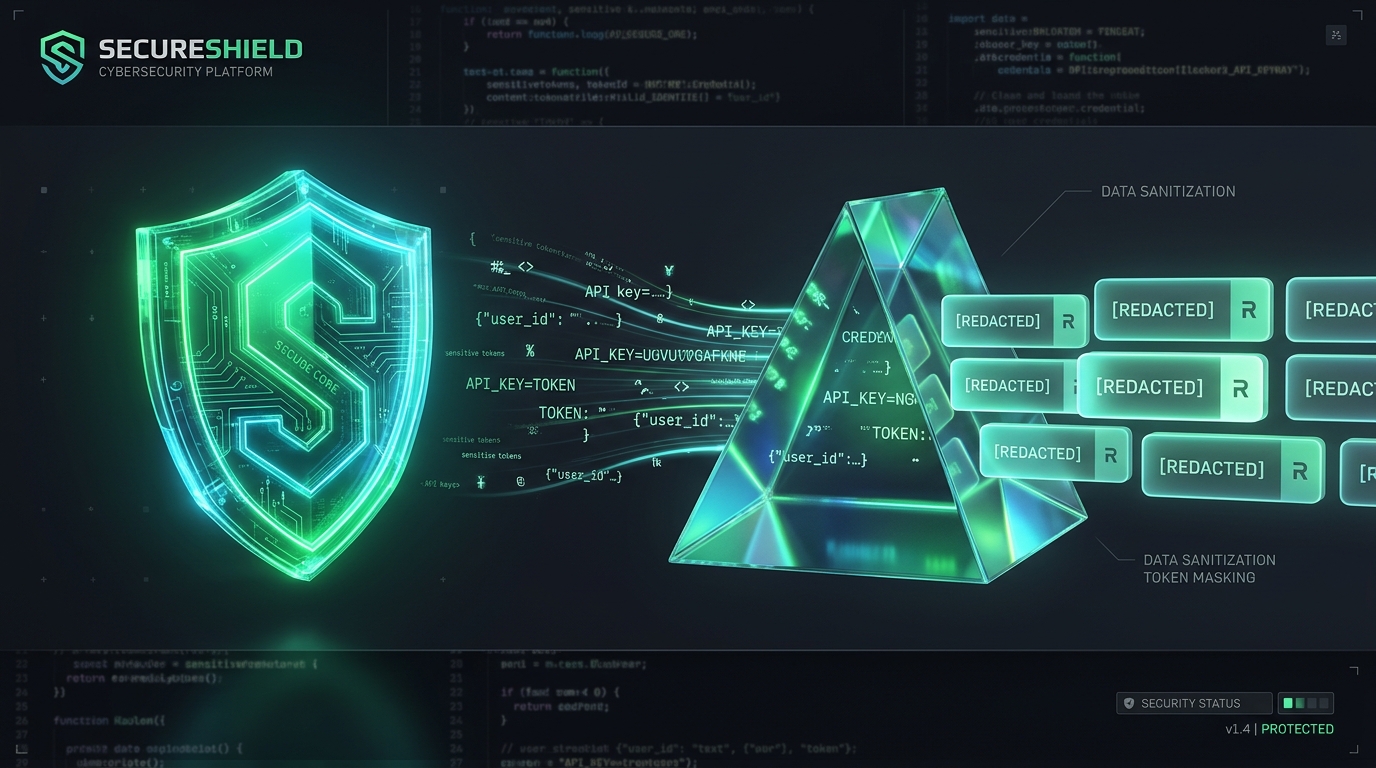
  "image": "https://raw.githubusercontent.com/marceloid/pi-secret-shield/main/assets/banner.png",
  "extensions": [
    "./src/index.ts"
  ]
}
Security note
Pi packages can execute code and influence agent behavior. Review the source before installing third-party packages.
README
pi-secret-shield 🛡️
Privacy and secret-redaction extension for the Pi coding agent (pi-coding-agent).
Prevents tokens, API keys, credentials, and environment dumps from leaking from your machine to upstream LLM APIs (OpenAI, Anthropic, Google, etc.).
🔒 Why is this needed?
When using local AI coding agents equipped with shell execution (bash), file inspection (read), and web retrieval (fetch):
- Any command executed (such as
env,printenv,curl -vwith authorization headers, database connection errors, or broken build scripts) has its output captured and sent directly in the prompt payload to the LLM. - If the agent accidentally inspects files such as
.env,~/.aws/credentials, or~/.ssh/id_rsa, those secrets enter the LLM's conversation history.
pi-secret-shield acts as an automatic defense-in-depth security layer:
- Tool Result Redaction (Output Scrubbing): Intercepts the
tool_resultevent across all tools (bash,read, MCP, etc.) and runs a high-performance scanner that replaces known tokens and credentials with safe placeholders ([REDACTED_...]) before they are serialized and transmitted over the network to the LLM provider. - Tool Call Gate (Pre-execution Defense): Blocks direct attempts to read sensitive credential files (
.env,.ssh/,.aws/,.netrc, etc.) or execute shell commands that dump the entire environment (env,printenv,export, etc.).
🛡️ What gets redacted automatically?
- LLM Providers: Anthropic (
sk-ant-...), OpenAI (sk-proj-...,sk-...), Google AI / Gemini (AIza...). - Git & Developer Platforms: GitHub Tokens (
ghp_...,gho_...,github_pat_...), GitLab Tokens (glpat-...). - Cloud & Infrastructure: AWS Access Keys (
AKIA...), Doppler Tokens (dp.st...), HuggingFace (hf_...), Slack (xoxb-...), Stripe (sk_live_...), NPM (npm_...), PyPI (pypi-...). - Headers & Session Tokens:
Authorization: Bearer <token>headers, JSON Web Tokens (eyJ...). - Private Keys: Complete private key blocks for RSA, OpenSSH, EC, DSA, PGP (
-----BEGIN ... PRIVATE KEY-----). - Database Connection Strings: Passwords in database URLs (
postgres://user:password@host/db➔postgres://user:[REDACTED_PASSWORD]@host/db). - Log / Config Assignments: Variable assignments in logs such as
API_KEY="secret"orSECRET_TOKEN: "xyz".
🚀 Installation
Option A: Install via Pi Package Manager (Git)
You can install it directly into Pi without manually cloning or symlinking:
pi install git:github.com/marceloid/pi-secret-shieldOption B: Install via NPM (once published)
pi install npm:pi-secret-shieldOption C: Local Symlink (for development)
Clone the repository and create a symbolic link inside Pi's extension folder:
# Clone the repository
git clone https://github.com/marceloid/pi-secret-shield.git ~/Work/pessoal/projetos/pi-secret-shield

# Link to Pi extensions directory
mkdir -p ~/.pi/agent/extensions
ln -s ~/Work/pessoal/projetos/pi-secret-shield ~/.pi/agent/extensions/pi-secret-shield
When you launch pi, the extension is automatically discovered and activated.
🎮 Slash Commands
Within Pi, you can use the /shield slash command:
/shield: Shows current session protection stats and number of redacted secrets./shield list: Displays all active secret detection patterns./shield test <text>: Tests scrubber output against any given string.
🧪 Running Tests
The project uses Node.js's native test runner (Node >= 22):
npm test📄 License
MIT License © 2026 marceloid