pi-sessions
Pi session search, ask, handoff, auto-titling, and indexing tools
Package details
Install pi-sessions from npm and Pi will load the resources declared by the package manifest.
$ pi install npm:pi-sessions- Package
pi-sessions- Version
0.5.0- Published
- Jun 19, 2026
- Downloads
- 980/mo · 414/wk
- Author
- thurstonsand
- License
- MIT
- Types
- extension
- Size
- 835.9 KB
- Dependencies
- 0 dependencies · 5 peers
Pi manifest JSON
{
  "extensions": [
    "./extensions/session-ask.ts",
    "./extensions/session-auto-title.ts",
    "./extensions/session-handoff.ts",
    "./extensions/session-hooks.ts",
    "./extensions/session-index.ts",
    "./extensions/session-search.ts"
  ]
}
Security note
Pi packages can execute code and influence agent behavior. Review the source before installing third-party packages.
README
pi-sessions
pi-sessions turns your old Pi sessions into something you can actually reuse. It gives you search, follow-up Q&A, deliberate handoffs into new child sessions, automatic session titles, and a local index that keeps future sessions searchable.
Screenshots
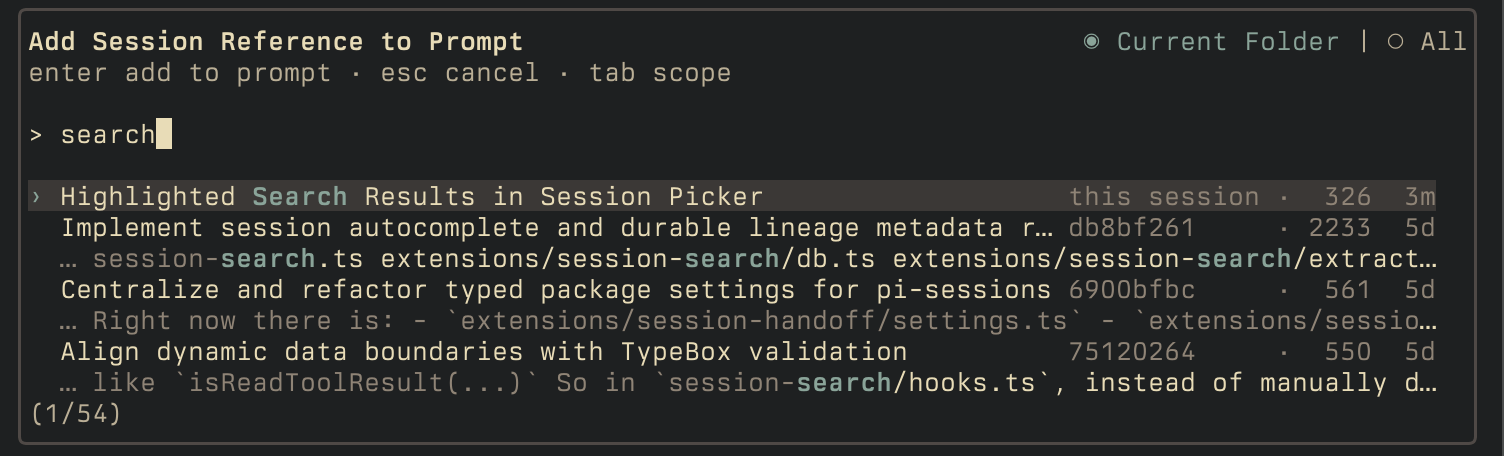
Session lookup
Handoffs
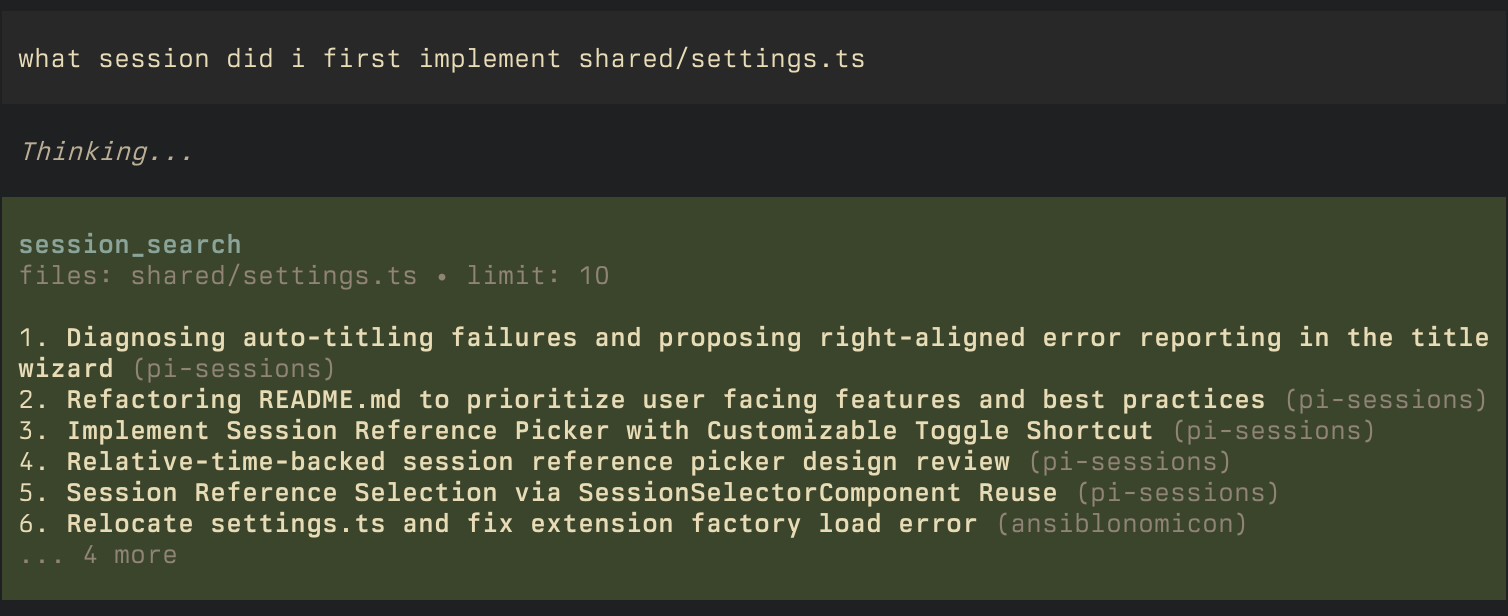
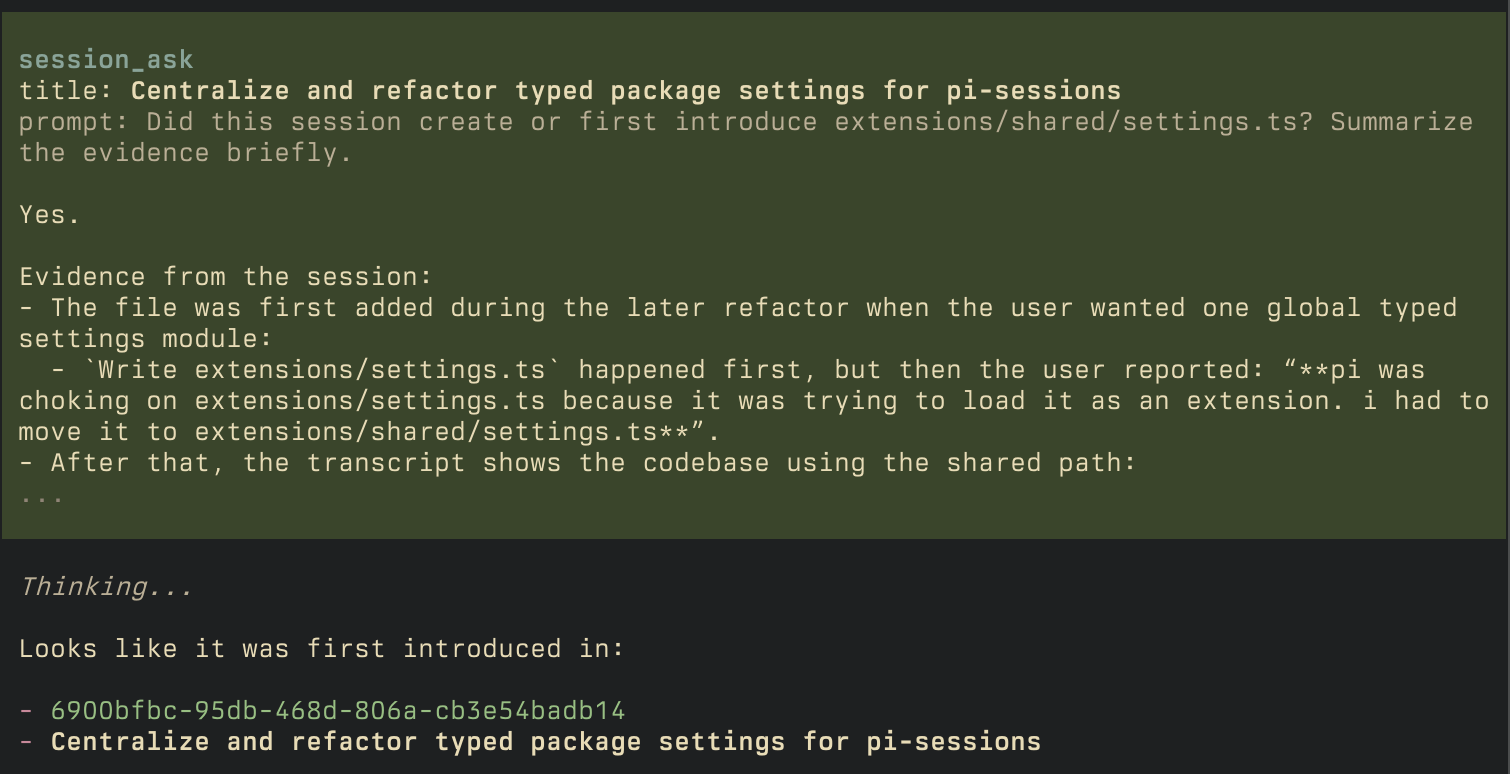
Ask about old sessions
Install
Requires Pi 0.78.1 or newer.
From npm (recommended):
pi install npm:pi-sessions
If you want to run directly from a local clone while developing:
pi -e /absolute/path/to/pi-sessions
Quick start
- Install the package.
- Open Pi and run
/session-index. - Press
rto build the index for all your prior sessions. - Try the main flows:
What session did I implement the db layer?
/handoff i want to implement the frontend component now
Features
| Extension | Surface | What it does |
|---|---|---|
| Session Search | session_search pi tool |
Search through old sessions |
| Session Ask | session_ask pi tool |
Ask questions about old sessions |
| Session Handoff | /handoff, session_handoff pi tool |
Start a focused new session; alternative to compaction |
| Session Picker | Alt+O |
Reference old sessions in your prompt |
| Session Index | /session-index slash command |
Shows index status and rebuilds the local session index |
| Session Auto Title | in background, /title slash command |
Give sessions titles |
Session Handoff
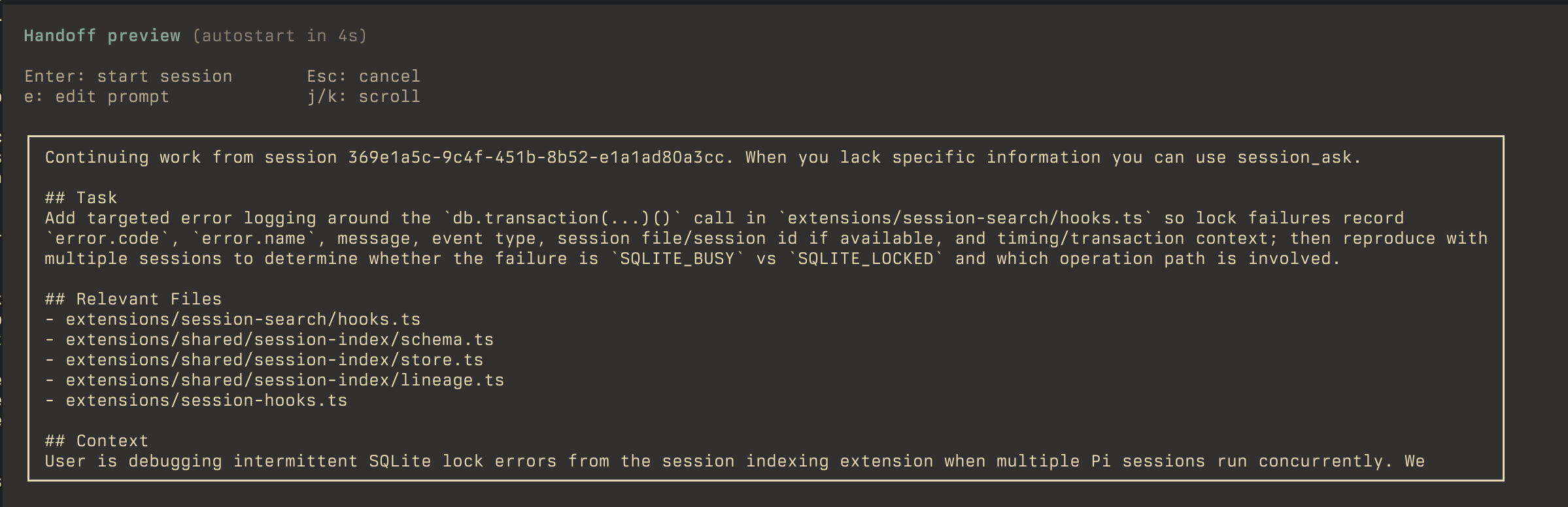
/handoff <goal> starts a focused new session. Give pi a goal, and it will generate a prompt for you to review before kicking it off.
You can either start a new session directly in your current one, or if you have Ghostty on macOS, you can spawn a new one in a split-pane and continue in your current:
/handoff --left <goal>/handoff --right <goal>/handoff --up <goal>/handoff --down <goal>
The flag indicates the Ghostty split direction.
Flow:
- run
/handoff [--<direction>] <goal> - review the generated prompt preview
- optionally edit the prompt
- start the new session
If you do nothing, the preview autostarts after a short countdown.
When running in Ghostty on macOS, pi-sessions also exposes a session_handoff tool. This lets the agent start a background handoff after you choose a split direction. The current session keeps running, while the child session opens in the requested split, gathers context, and shows the same review countdown before starting.
If background handoffs ever target the wrong pane, run /handoff --identify from the intended source pane to refresh the in-memory Ghostty terminal binding.
Session picker
Directly reference prior sessions by looking them up by contents.
- shortcut:
Alt+O - press
Tabto switch between current folder and all sessions - type to filter results
- press
Enterto insert a session id into your prompt
Handoff setting
If you want to override the shortcut, put this in your ~/.pi/agent/settings.json:
{
  "sessions": {
    "handoff": {
      "pickerShortcut": "alt+p"
    }
  }
}
Session Index
By default, pi-sessions will start indexing all conversations moving forward. If you want to backfill all prior conversations:
- run
/session-index - hit
rto (re)index everything
this is idempotent, so if you run into any issues, or disable pi-sessions for a while, feel free to re-index to see if that resolves anything.
By default the index lives at:
~/.pi/agent/pi-sessions/index.sqlite
but you can change the location in ~/.pi/agent/settings.json:
{
  "sessions": {
    "index": {
      "dir": "~/.pi/agent/pi-sessions"
    }
  }
}
Session Auto Title
The auto-title extension keeps your session list readable by:
- Setting a title based on initial prompt
- Reevaluating the title every 4 turns to see if it should be updated
To manage existing titles, run /title, where you can:
- Regenerate a title for the current session
- Generate titles for all sessions in the folder
- Generate titles for all sessions across pi
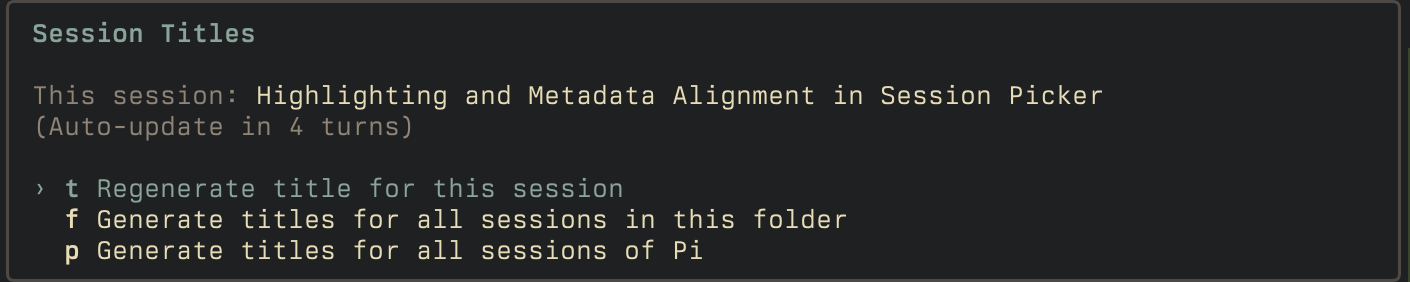
Note that generating titles for all sessions can take some time, and will hit your configured model with the full contents of all sessions.
- automatic retitles run every few turns
- if you manually rename a session with
/name, automatic retitling pauses for that session - Regenerate the title for the current session to resume automatic retitling
- if unconfigured, it will attempt to use these models in order, first one that is available:
google/gemini-flash-lite-latestanthropic/claude-haiku-4-5openai/gpt-5.4-mini- your currently configured model
To change auto-titling settings, edit ~/.pi/agent/settings.json:
{
  "sessions": {
    "autoTitle": {
      "refreshTurns": 4,
      "model": "anthropic/claude-haiku-4-5",
      "prompt": "Custom prompt that overrides the default."
    }
  }
}
Development
npm install
npm run check
npm test
For an end-to-end manual flow, see SMOKE.md.