pi-treex
Enhances pi's native /tree with sticky-left view and a detail pane
Package details
Install pi-treex from npm and Pi will load the resources declared by the package manifest.
$ pi install npm:pi-treex- Package
pi-treex- Version
0.2.0- Published
- Apr 27, 2026
- Downloads
- 139/mo · 128/wk
- Author
- smallbatchcode
- License
- MIT
- Types
- extension
- Size
- 27.2 KB
- Dependencies
- 0 dependencies · 2 peers
Pi manifest JSON
{
  "extensions": [
    "./treex.ts"
  ],
  "image": "https://raw.githubusercontent.com/travisp/pi-treex/main/screenshots/after.png"
}
Security note
Pi packages can execute code and influence agent behavior. Review the source before installing third-party packages.
README
pi-treex
TreeX enhances pi's native session tree with sticky-left indentation and a bottom detail pane.
It patches the built-in /tree view.
WARNING
This extension patches the /tree internals and could break if pi updates in an incompatible way. I chose this approach rather than re-implementing (or copying) the internal tree rendering so that it would automatically update the rendering.
Features
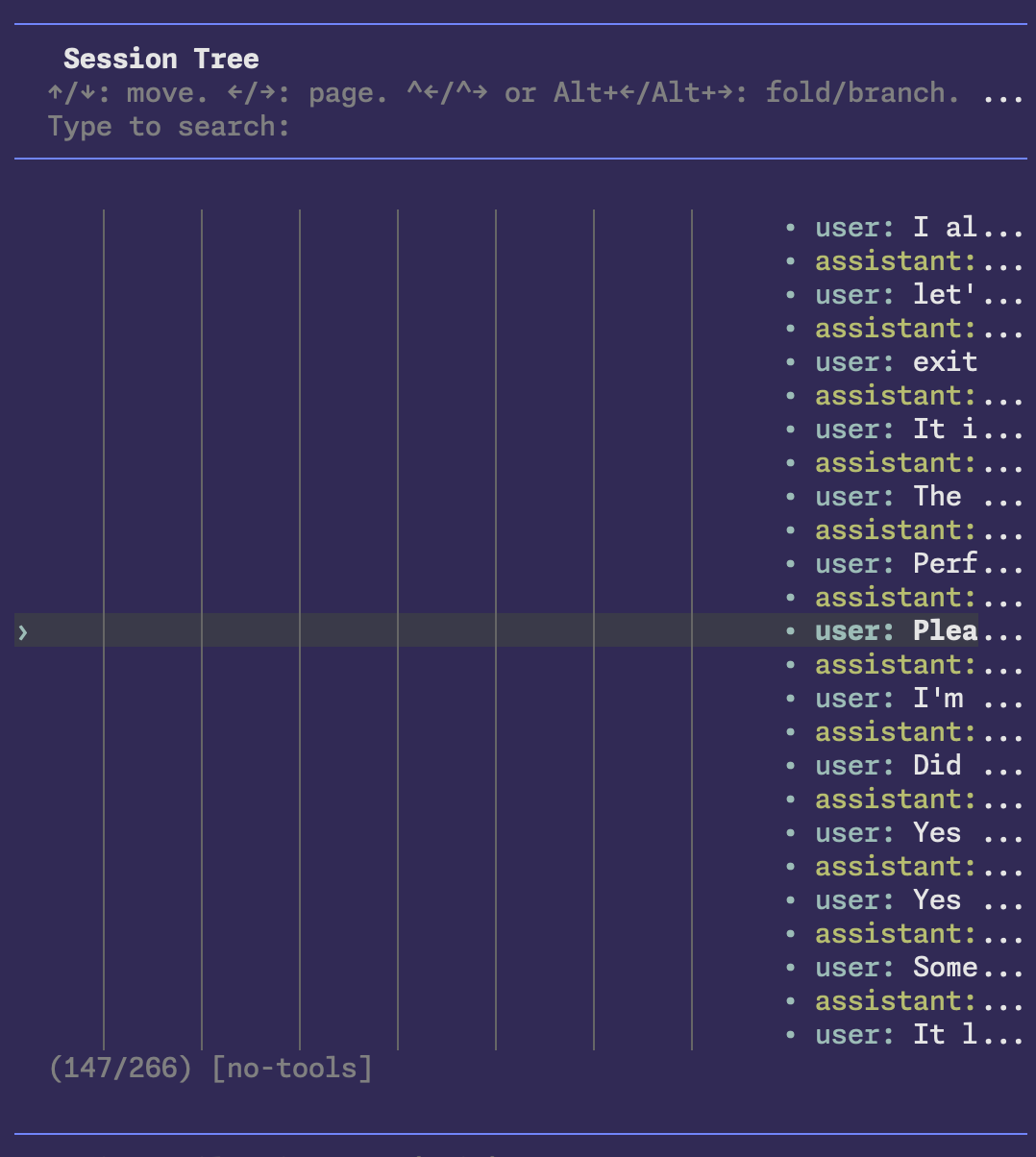
- sticky-left view that auto-shifts deep branches left to reclaim horizontal space
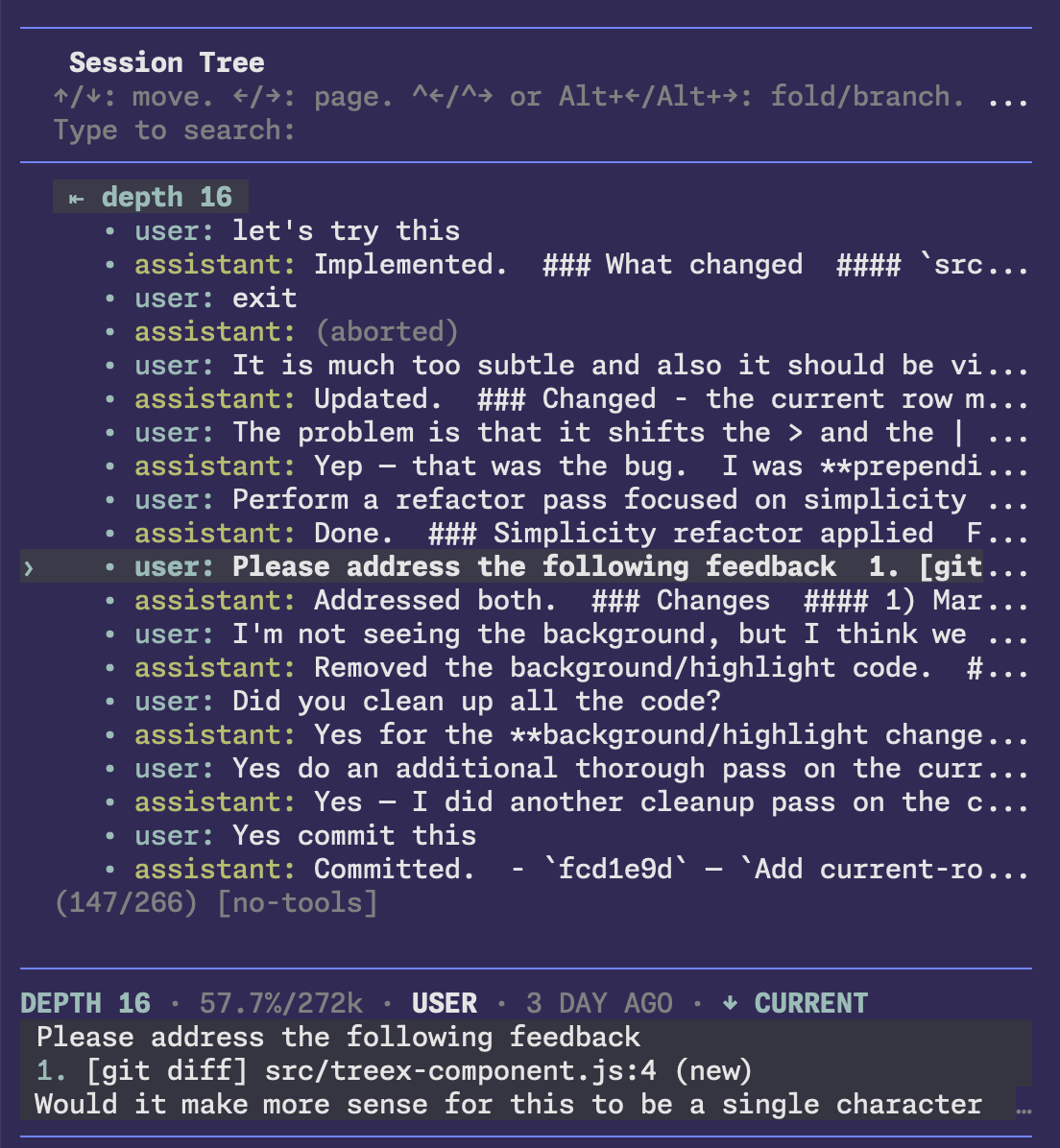
- bottom detail pane with more details for the selected row
- detail metadata shows context usage for the selected point when it can be inferred
- Adds a ◆ marker to the current point in the session tree, plus an ↑/↓ CURRENT hint in the detail pane when you're browsing away from it.
Screenshots
Detail View
The detail view shows the depth of the currently selected item, what type of item it is, how long ago it occurred, and context usage for that point in the conversation when it can be inferred. For a tool, it will display what the tool result was. For a user or assistant message, it will display as much of the message as it can.
Context usage mirrors pi's own footer behavior: after a trailing user message it may be estimated from the last assistant usage, so it can differ slightly from the following assistant row's provider-reported value.
Installation
npm
pi install npm:pi-treex
To try it for one run without adding it to your settings:
pi -e npm:pi-treex
git
pi install git:github.com/travisp/pi-treex
Usage
After installation, use:
/tree
Development
npm run check   # lint + style check + tests
npm run format  # format files
npm test        # run the integration test
Notes
- Tested with pi 0.70.2
- TreeX patches the native
/treepath, so built-in slash command and tree hotkey keep using pi's own navigation and summary flow. - TreeX relies on private interactive-mode internals, so upstream pi changes may require TreeX updates.