pi-warp
Pi <> Warp. Multi-task to your heart's content and get notified the moment your agent finishes.
Package details
Install pi-warp from npm and Pi will load the resources declared by the package manifest.
$ pi install npm:pi-warp- Package
pi-warp- Version
1.0.1- Published
- May 17, 2026
- Downloads
- not available
- Author
- yianl
- License
- MIT
- Types
- extension
- Size
- 26.9 KB
- Dependencies
- 0 dependencies · 2 peers
Pi manifest JSON
{
  "extensions": [
    "./index.ts"
  ],
  "image": "https://raw.githubusercontent.com/TeahouseHQ/pi-warp/refs/heads/main/static/demo-thumbnail.gif",
  "video": "https://raw.githubusercontent.com/TeahouseHQ/pi-warp/refs/heads/main/static/demo-thumbnail.mp4"
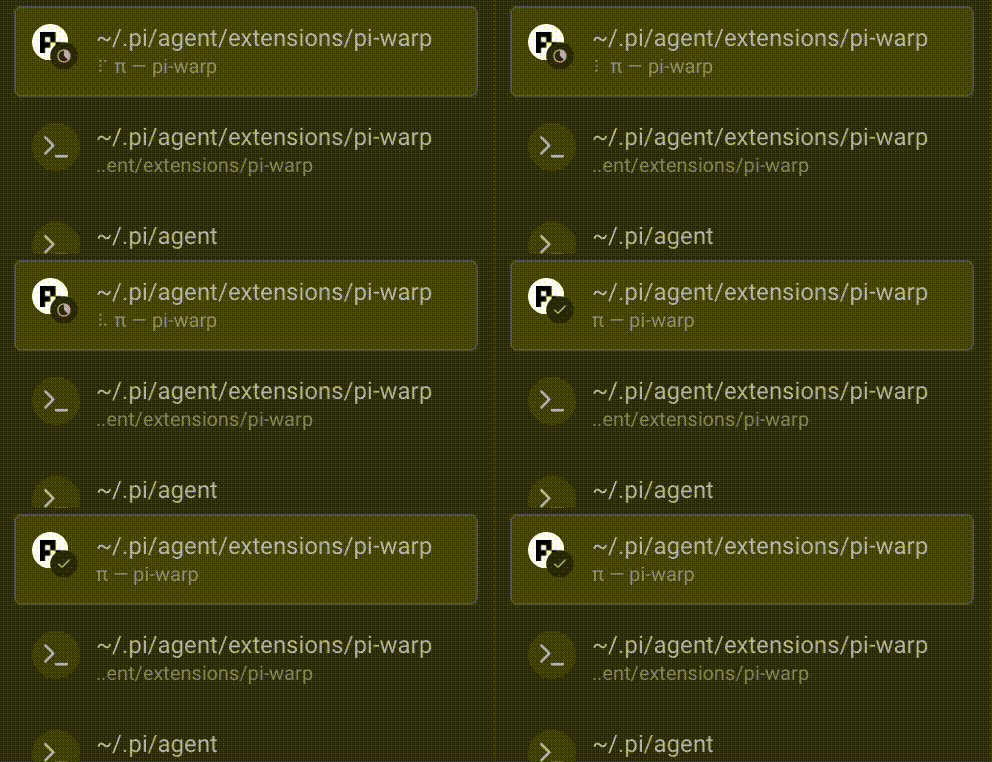
}
Security note
Pi packages can execute code and influence agent behavior. Review the source before installing third-party packages.
README
pi-warp
Real-time pi notifications in the Warp terminal.
pi-warp surfaces pi agent activity inline in Warp — so you always know what the agent is doing without switching context.

Features
- Session tracking — Warp knows when pi starts and stops a session.
- Prompt notifications — see when your prompt has been submitted and the agent begins working.
- Tool result alerts — get notified each time a tool finishes executing.
- Completion signal — Warp tells you when the agent has finished its work.
- Animated terminal title — an optional braille spinner in your terminal title while the agent is busy.
Requirements
- Warp — build newer than
v0.2026.03.25.08.24.stable_05(stable) orv0.2026.03.25.08.24.preview_05(preview). Dev channel builds are always supported. - pi coding agent.
- Node.js ≥ 20.
pi-warp detects Warp automatically. If you're running an incompatible build or not inside Warp, the extension silently disables itself — nothing breaks.
Installation
pi install npm:pi-warp
Or manually: clone this repository into your pi extensions directory (~/.pi/agent/extensions/).
Usage
No configuration needed — notifications start automatically when you launch pi inside Warp.
You'll see inline Warp notifications as the agent:
- Starts a session — confirms the extension is active.
- Receives your prompt — shows the agent is working.
- Completes a tool call — one notification per tool execution.
- Finishes its work — lets you know the agent is done.
Settings
Run the following command inside pi to open the settings panel:
/pi-warp-settings
| Setting | Default | Description |
|---|---|---|
| Dynamic Terminal Titles | on | Animate the terminal title with a braille spinner while the agent is working |
Settings are stored in pi's global config at ~/.pi/agent/settings.json under the piWarp key:
{
  "piWarp": {
    "dynamicTitles": false
  }
}
Troubleshooting
I don't see any notifications
- Make sure you're running pi inside Warp (not another terminal emulator).
- Check your Warp version meets the minimum listed in Requirements.
- pi-warp prints a message on session start if Warp was not detected — look for it in your pi log.
Notifications stopped after a Warp update
- Warp may have changed its environment variables. Open a new terminal window and try again.
- If the issue persists, file an issue.
The spinner in the terminal title is distracting
- Run
/pi-warp-settingsin pi and set Dynamic Terminal Titles tooff.
License
MIT