pi-workflow-engine
Zero-dependency Dynamax workflows for pi: live parallel subagents, typed handoffs, synthesized results.
Package details
Install pi-workflow-engine from npm and Pi will load the resources declared by the package manifest.
$ pi install npm:pi-workflow-engine- Package
pi-workflow-engine- Version
0.12.0- Published
- Jul 20, 2026
- Downloads
- 1,105/mo · 219/wk
- Author
- timbrinded
- License
- MIT
- Types
- extension, skill
- Size
- 3.1 MB
- Dependencies
- 0 dependencies · 5 peers
Pi manifest JSON
{
  "extensions": [
    ".pi/extensions/pi-workflow-engine/index.ts"
  ],
  "skills": [
    "skills"
  ],
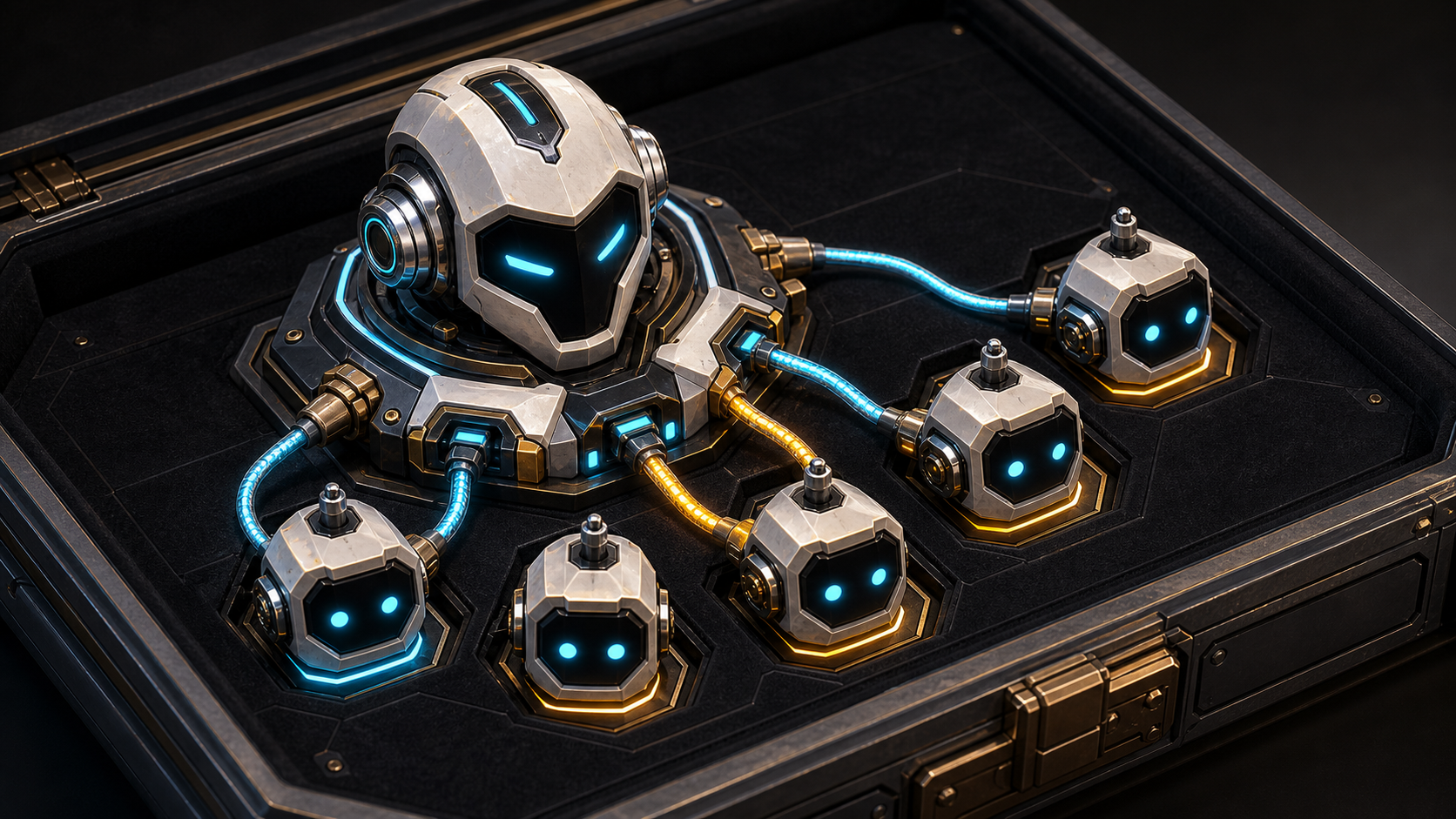
  "image": "https://raw.githubusercontent.com/timbrinded/pi-workflow-engine/master/assets/preview.png"
}
Security note
Pi packages can execute code and influence agent behavior. Review the source before installing third-party packages.
README
pi-workflow-engine


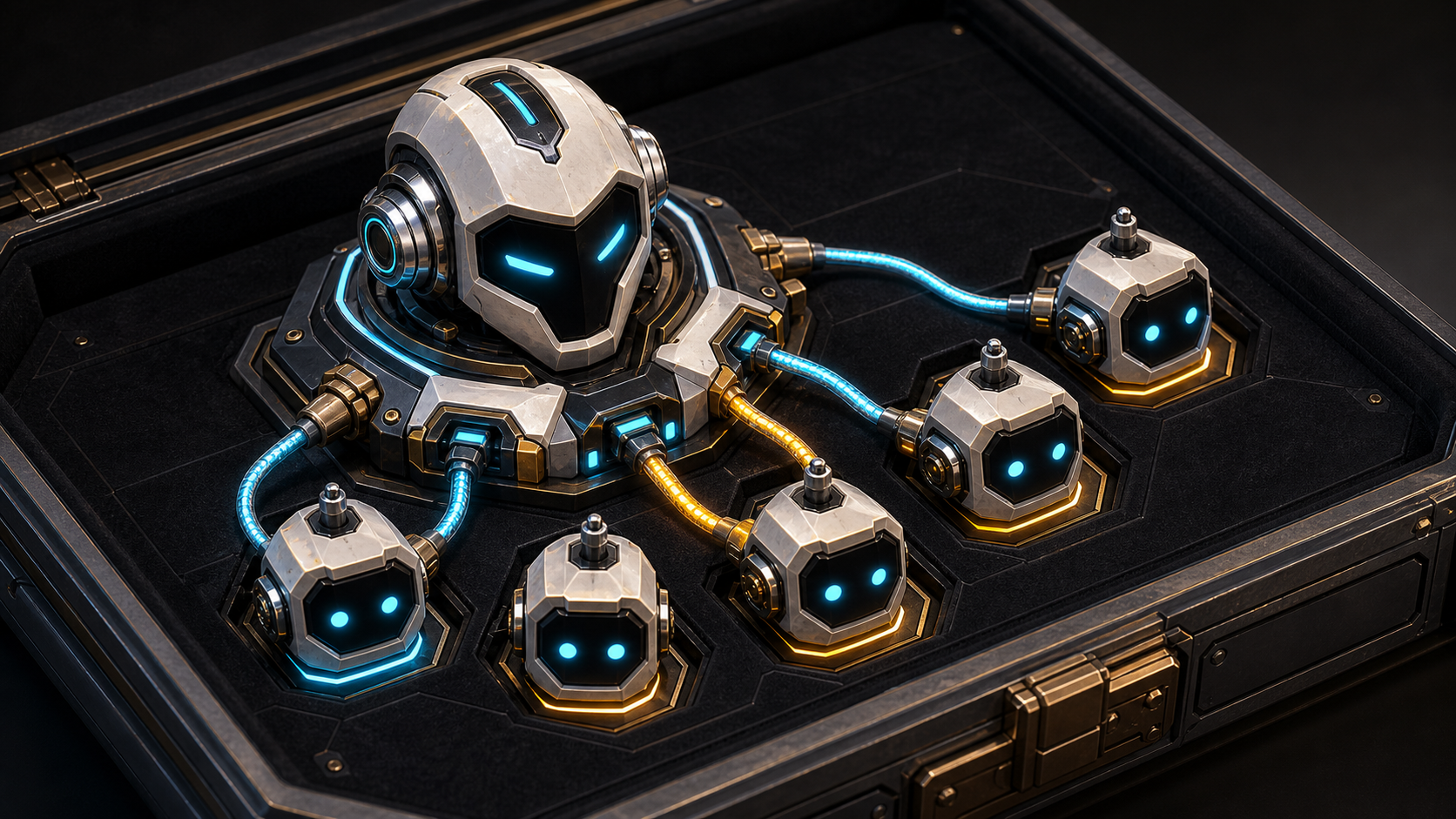
Multi-agent workflows for pi.
When a task benefits from independent review, competing hypotheses, or separate
verification, pi-workflow-engine fans it out to subagents and synthesizes one
result. Run a built-in workflow or add dynamax to a prompt so pi can compose a
one-off workflow for the task.
Quick start
Requires pi 0.80.10 or newer.
pi install npm:pi-workflow-engine
Restart pi or run /reload, then try either style:
dynamax investigate why typecheck started failing on this branch

/workflow code-review
/workflow refactor-scout src/
/workflow diagnose "the schema migration broke typecheck"
Built-in workflows inspect and report by default; they do not edit your working tree.
What you get
- Independent analysis. Give correctness, testing, performance, or other concerns to separate agents instead of asking one agent to cover everything.
- Verified results. Workflows can check and rank findings before presenting a single synthesis.
- Live visibility. Follow phases and agents in the TUI, with usage and cost totals when the provider reports them.
- Controlled execution. Concurrency, timeouts, agent counts, and token budgets keep fan-out bounded.
- Safe follow-up. Advisory runs leave the checkout alone, while selected review fixes can return isolated patch previews.
Built-in workflows
| Workflow | Best used for |
|---|---|
code-review |
PRs, branch diffs, ref ranges, or focused targets |
refactor-scout |
Small, defensible refactors without broad rewrites |
diagnose |
Competing explanations for bugs or failing commands |
perf-review |
Measured bottlenecks rather than performance guesses |
research |
Cited external evidence with independent claim verification |
The research workflow needs an installed pi tool that can search or browse the
web. See the built-in workflow guide for behavior
and requirements.
Use Dynamax for one-off workflows
Use dynamax when no saved workflow quite fits and independent passes are
likely to change the answer:
dynamax review this branch for correctness, tests, and maintainability; verify every finding
dynamax investigate this flaky test using separate timing, fixture, diff, and external-state hypotheses
dynamax argue both implementation options, then have another agent challenge the recommendation
The token enables Dynamax for one turn. Sticky mode remains active for the pi session:
/workflow:dynamax on
/workflow:dynamax off
/workflow:dynamax status
In the TUI, a standalone dynamax token receives a short moving-shine sweep and
then stays highlighted. Use PI_DYNAMAX_EFFECT=static or
PI_DYNAMAX_EFFECT=off to reduce or disable the cue; the
prompt editor guide has the full details.
Tiny edits and straightforward questions are still better handled by one agent. Dynamax is useful when independence or breadth materially improves the result.
Review and inspect results
code-review verifies, deduplicates, and ranks candidate findings. Open the
interactive findings view for follow-up, or bring back the latest result without
rerunning the workflow:
/workflow code-review --result-viewer
/workflow:results
/workflow:inspector
The viewer can produce isolated patch previews for selected findings without changing the active checkout. The usage guide covers review actions and recent run history.
Create your own workflows
Saved workflows are TypeScript modules for repeatable orchestration; inline workflows are useful for one-off Dynamax tasks. The workflow authoring guide covers the API, typed handoffs, model profiles, tool access, composition, and registration.
Develop locally
git clone https://github.com/timbrinded/pi-workflow-engine
cd pi-workflow-engine
bun install
bun run typecheck && bun run test
pi -ne -e .
pi -ne -e . loads the working copy without also loading an installed global
copy. There is no build step; pi loads the TypeScript extension directly.
For the complete command reference, model configuration, workflow authoring, runtime controls, resume behavior, and troubleshooting, see USAGE.md.
Questions and ideas are welcome in GitHub Issues. MIT licensed.