pi-zentui
A Starship-inspired statusline and Opencode-style TUI for Pi.
Package details
Install pi-zentui from npm and Pi will load the resources declared by the package manifest.
$ pi install npm:pi-zentui- Package
pi-zentui- Version
0.21.0- Published
- Aug 25, 2026
- Downloads
- 9,911/mo · 2,065/wk
- Author
- lmilojevic
- License
- MIT
- Types
- extension
- Size
- 530.1 KB
- Dependencies
- 0 dependencies · 3 peers
Pi manifest JSON
{
  "extensions": [
    "./extensions"
  ],
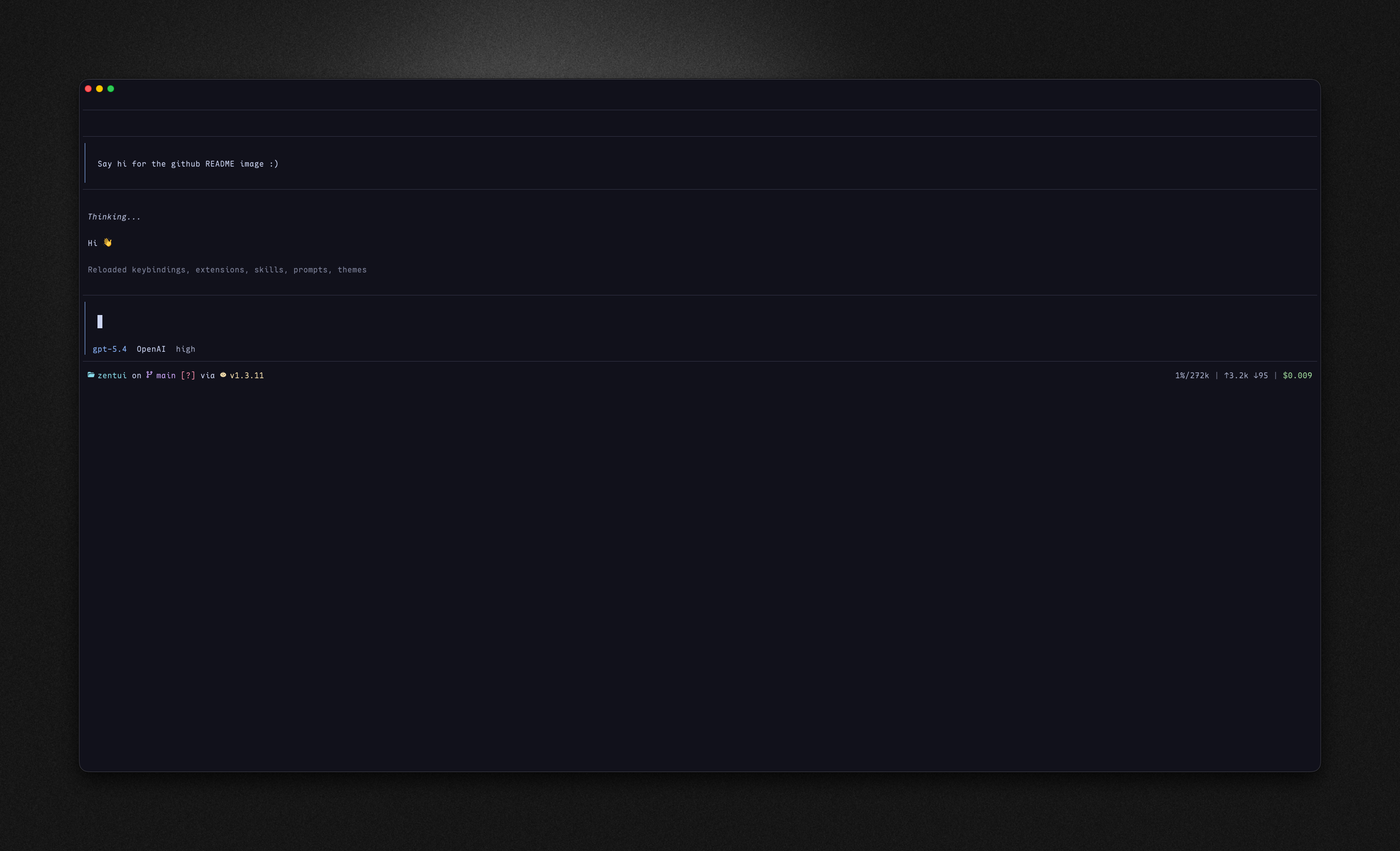
  "image": "https://raw.githubusercontent.com/lmilojevicc/pi-zentui/main/assets/zentui.png"
}
Security note
Pi packages can execute code and influence agent behavior. Review the source before installing third-party packages.
README
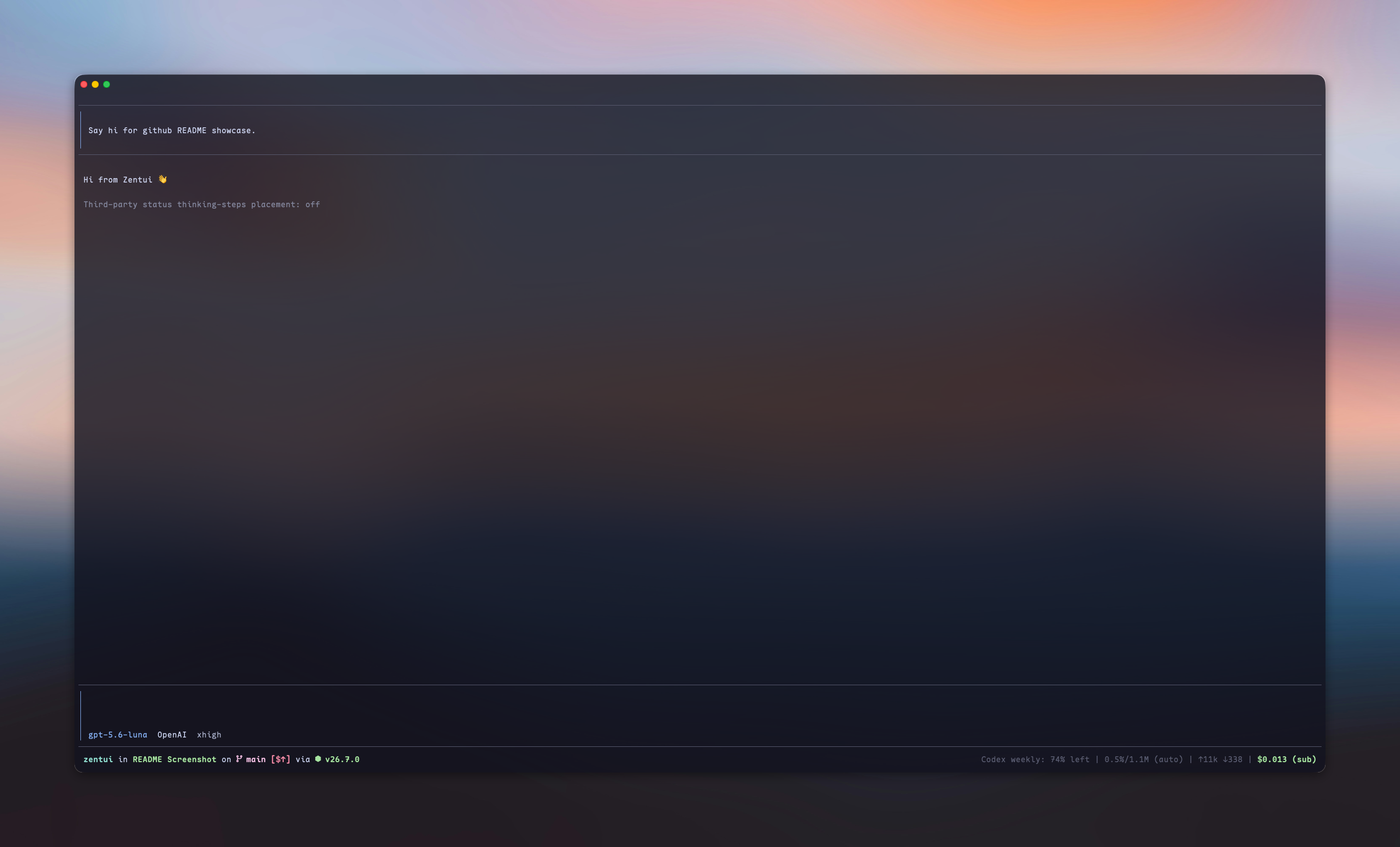
What is this?
Zentui gives four Pi surfaces independent ownership and styling:
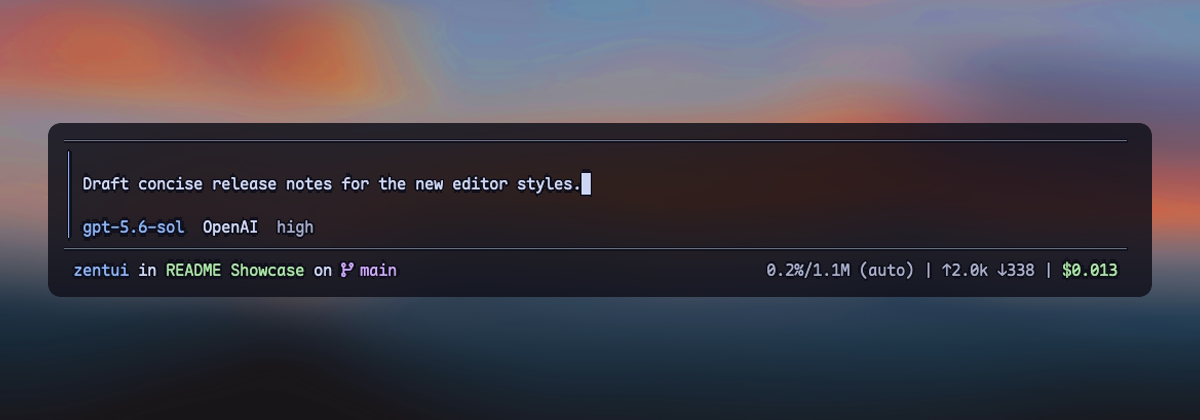
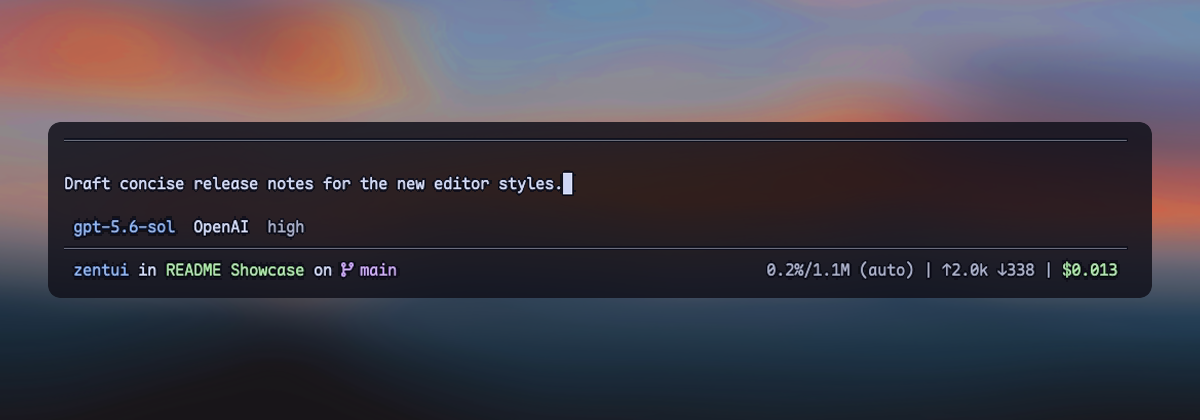
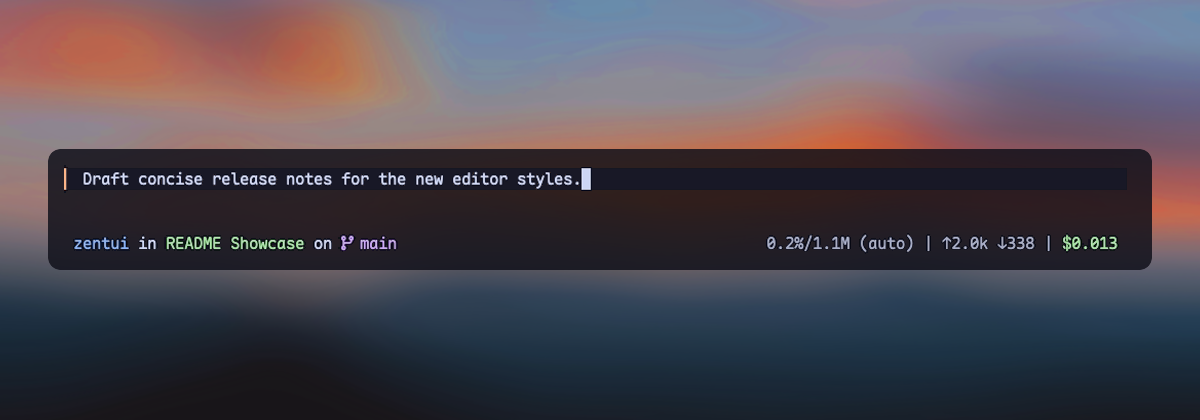
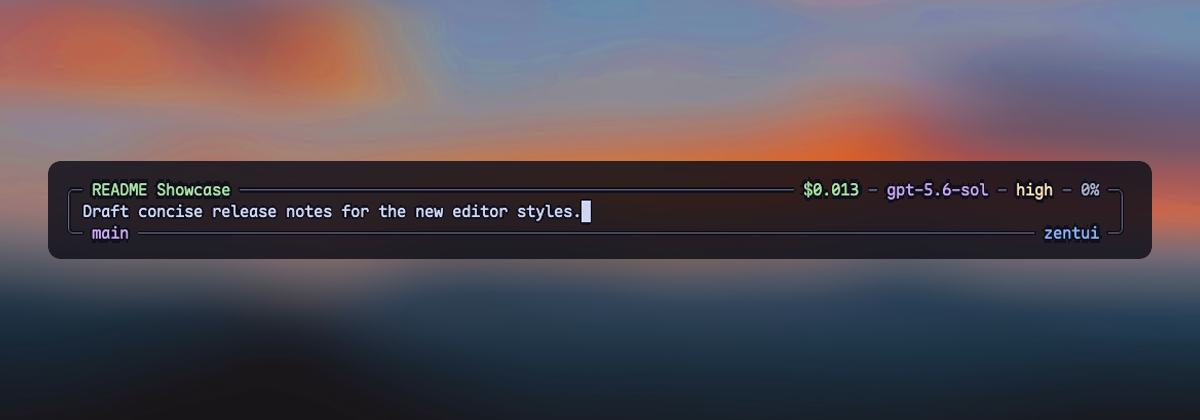
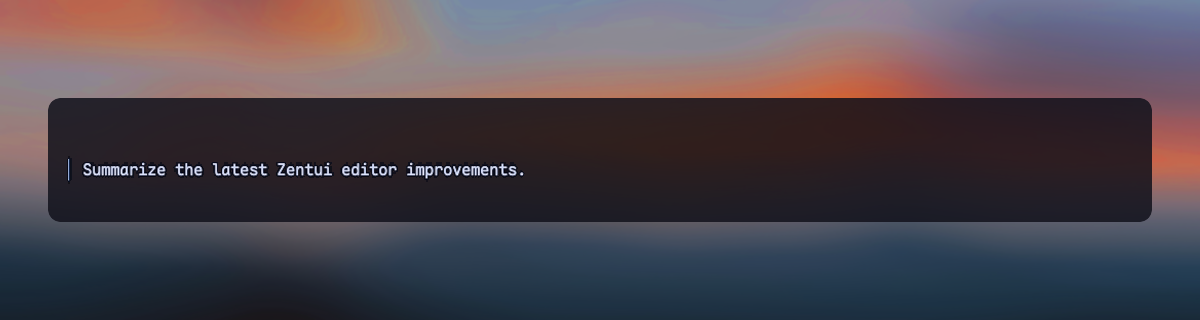
- Editor — Opencode, Opencode copy-friendly, Accent Rail, and Minimalist input treatments
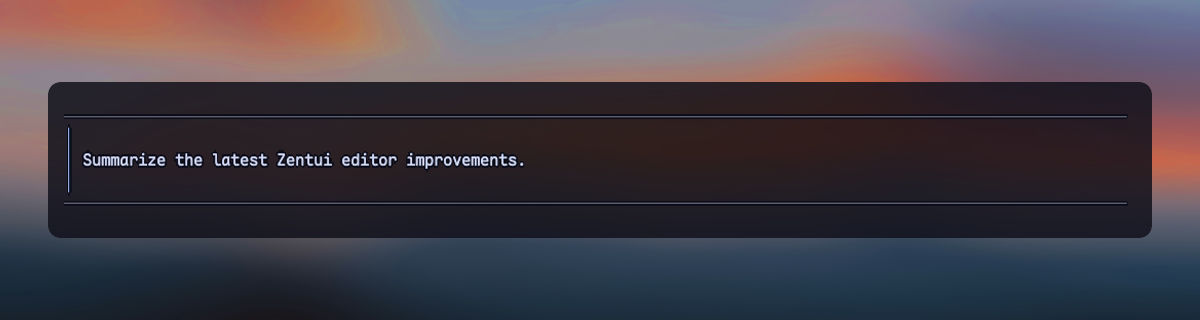
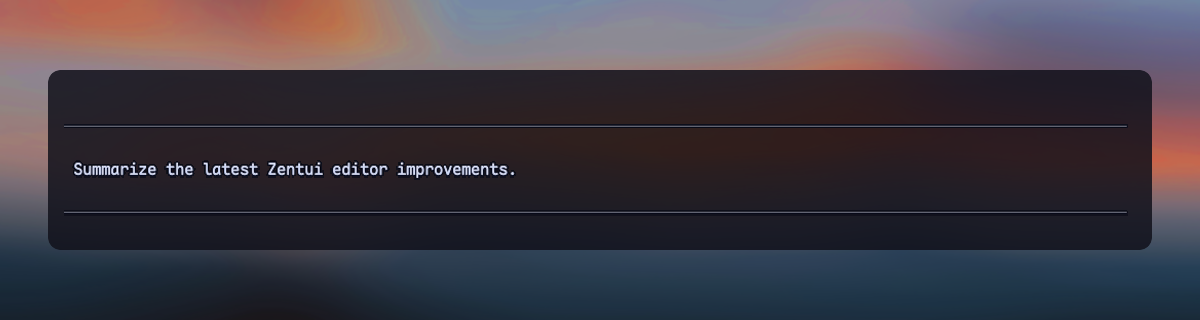
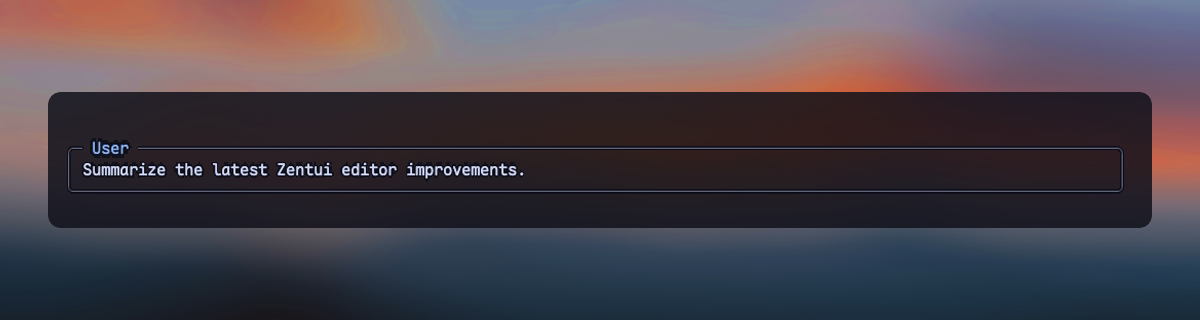
- User messages — framed, framed copy-friendly, compact, and labeled transcript messages
- Working line — optional ownership of Pi's complete in-progress row and settled turn summary
- Footer — Pi's native Footer, a Starship-style statusline, or a hidden zero-row Footer
Editor, User messages, Working line, and selector borders have independent enabled fields. Footer uses one style: native, starship, or hidden. Use /zentui to configure each component without coupling it to the others.
Highlights
| Surface | Default | Available treatments |
|---|---|---|
| Editor | opencode |
Opencode, copy-friendly, Accent Rail, Minimalist |
| User messages | framed |
Framed, copy-friendly, Compact, Labeled |
| Working line | disabled | Five spinner presets, live tool/time/thinking/token segments, turn summary |
| Footer | starship |
Native, Starship, Hidden |
| Selector borders | zentui |
Independent enablement and color source |
The Starship Footer shows directory, Git, runtime, context, tokens, and cost. Optional segments include model/provider, package version, session duration, user@host, time, OS, Git commit, Git metrics, and third-party extension statuses. The layout is segment-driven by default and supports a complete Starship-style format template.
Zentui detects a broad set of runtime and language modules, preserves Nerd Font icons with an ASCII mode, and can source colors from the active Pi theme or directly from the terminal palette.
Screenshots
Editors
User messages
Install
# From npm
pi install npm:pi-zentui

# From git
pi install git:github.com/lmilojevicc/pi-zentui
Configure
Run /zentui inside Pi to configure Appearance, Editor, User messages, Working line, Footer, Segments, Git, and Extensions. Use Tab and Shift+Tab to switch sections. Changes are applied live and saved to:
~/.pi/agent/zentui.json
A small starter config:
{
  "components": {
    "editor": {
      "enabled": true,
      "style": "accent-rail"
    },
    "userMessages": {
      "enabled": true,
      "style": "framed"
    },
    "workingLine": {
      "enabled": false
    },
    "footer": {
      "style": "starship"
    }
  },
  "icons": {
    "mode": "auto"
  }
}
Detailed reference:
- Configuration, component styles, defaults, runtime detection, and compatibility
- Footer format template and variables
Useful shortcuts:
/zentui editor toggle
/zentui messages toggle
/zentui working-line
/zentui statusline toggle
/zentui viewport-indicators toggle
/zentui format "$cwd on branch $git_branch$git_status using $runtime $fill $context"
/zentui format clear
Pi 0.84 also provides a native fullscreen TUI with a sticky editor and Footer. Zentui does not enable it automatically; select fullscreen from Pi's /settings, set "tuiMode": "fullscreen" in Pi settings, or launch Pi with --tui-mode fullscreen.
Requirements
Development
npm install
npm run fmt
npm run verify
npm run pack:check
Run Pi with only the local extension:
npm run pi:dev
Install the checkout as a local Pi package:
npm run pi:install-local
Override the globally installed Pi binary when needed:
PI_BIN=/path/to/pi npm run pi:dev
See CONTRIBUTING.md for manual UI-test and pull-request expectations.
Inspiration and credits
- Starship — inspiration for the informative, segment-based Footer
- Opencode — inspiration for the Opencode editor treatment
- Oh My Pi (
omp) by Can Bölük — visual inspiration for the filled, single-left-rail Accent Rail editor - Pi Custom Input by Vinh Le — visual inspiration for Minimalist's framed, border-embedded session, model, context, Git, and path metadata
Zentui's implementations are independent; these credits acknowledge product and visual inspiration rather than source-code reuse.
License
Zentui is licensed under the MIT License. Wallpaper photo by Mohammad Alizade on Unsplash, used under the Unsplash License. The photograph appearing in showcase screenshots is not relicensed under MIT.