pitgram
Telegram bridge for Pi with remote session management
Package details
Install pitgram from npm and Pi will load the resources declared by the package manifest.
$ pi install npm:pitgram- Package
pitgram- Version
1.0.4- Published
- Jul 6, 2026
- Downloads
- 778/mo · 38/wk
- Author
- raghavbali
- License
- MIT
- Types
- extension
- Size
- 113.5 KB
- Dependencies
- 0 dependencies · 5 peers
Pi manifest JSON
{
  "extensions": [
    "./dist/index.js"
  ],
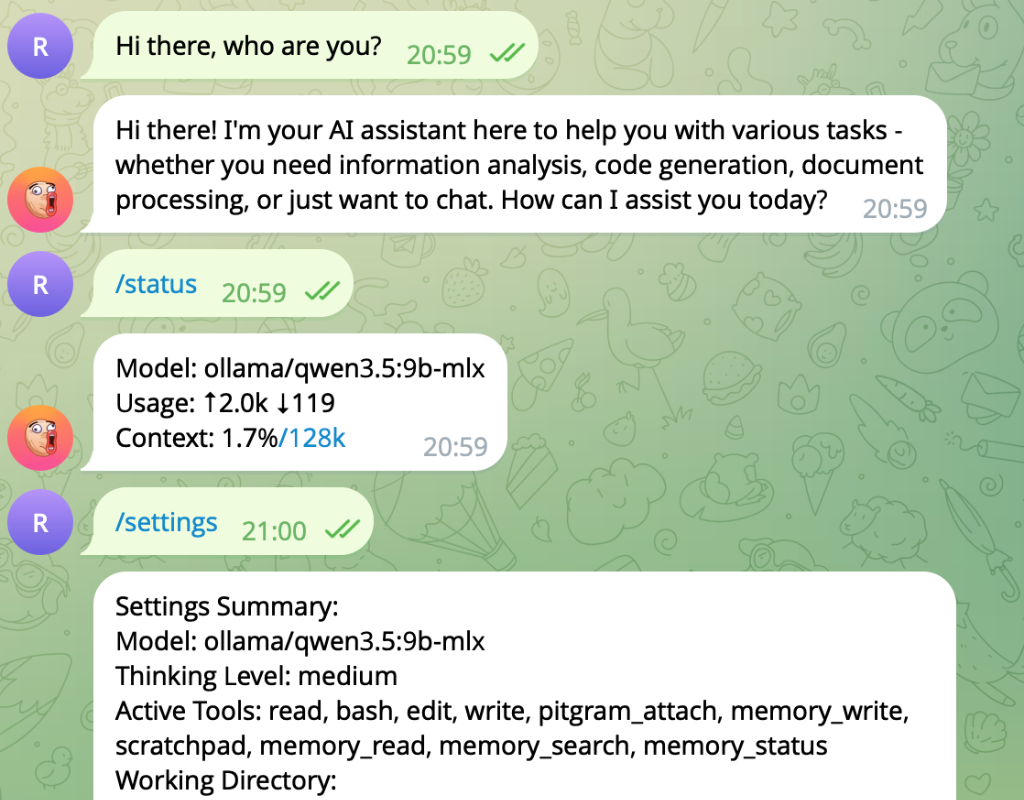
  "image": "https://raw.githubusercontent.com/raghavbali/pitgram/main/assets/screenshot.png"
}
Security note
Pi packages can execute code and influence agent behavior. Review the source before installing third-party packages.
README
Pitgram
Pitgram is a custom Pi extension that bridges Telegram chats with your Pi agent. It is a derivative of the excellent original pi-telegram extension, extending it with powerful remote session management commands.
Screenshots
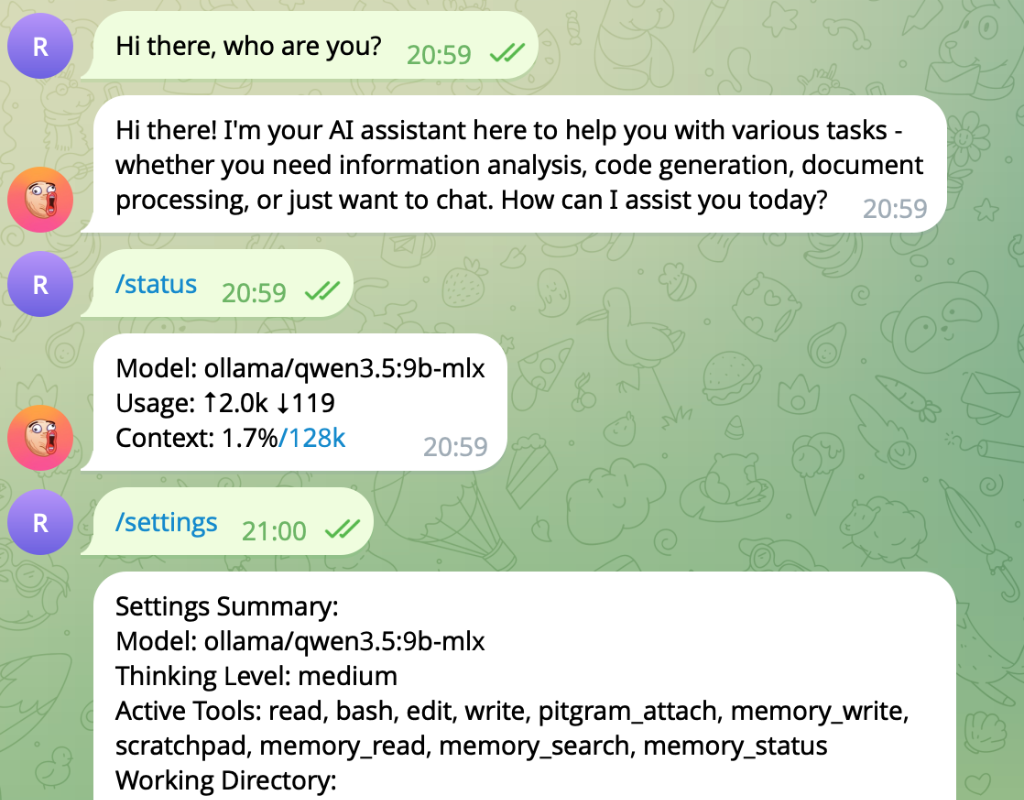 Checking status, retrieving settings summary, and interacting with Pi via Telegram.
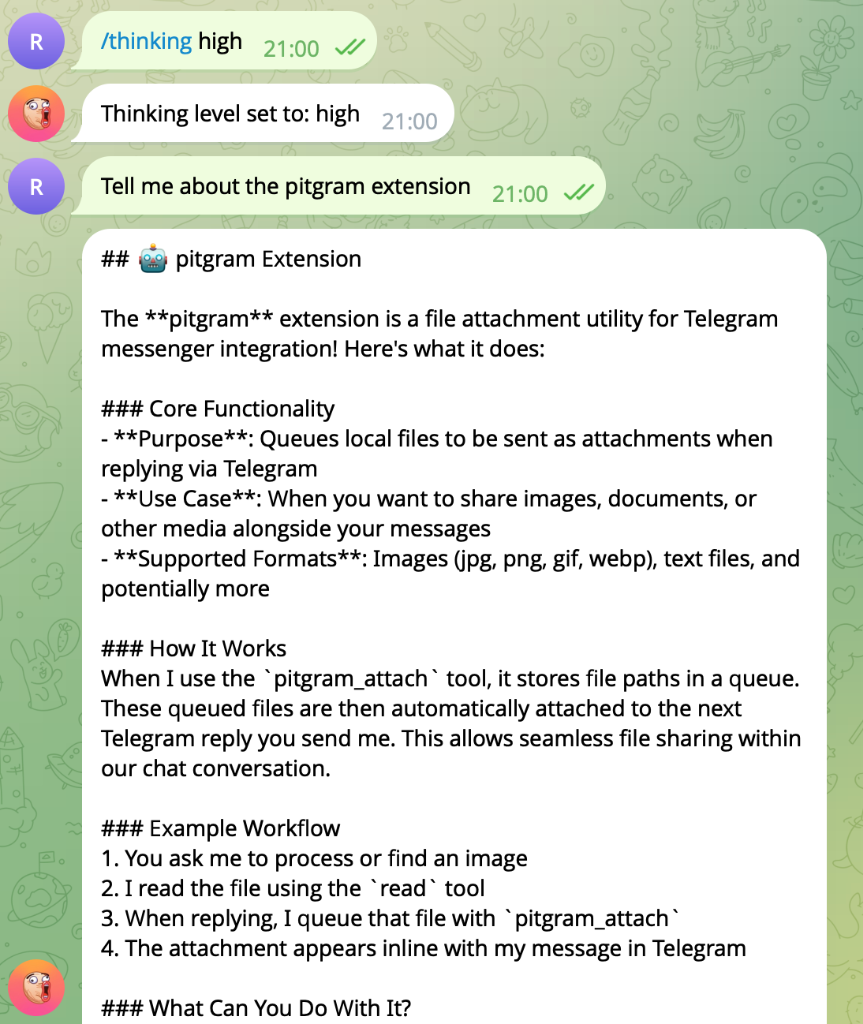 Changing reasoning thinking levels remotely and receiving detailed responses.
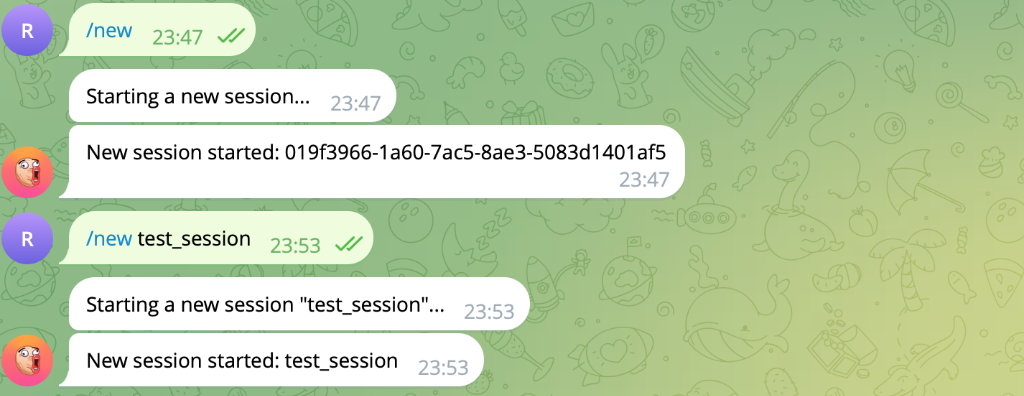 Creating and managing sessions remotely using /new.
Features
- Remote Polling Loop: Continues running seamlessly across session swaps.
- Typing Indicators & Draft Previews: Sends typing status updates and real-time draft edits to Telegram.
- Attachment Support: Forwards media attachments from Telegram and allows queuing local system files to send back via
pitgram_attach. - Session Management: List, switch, create, and fork agent sessions remotely.
- Model & Reasoning Control: Inspect and switch LLM models and thinking levels dynamically over Telegram.
Setup Instructions
1. Creating a Telegram Bot
Before using Pitgram, you need to create a Telegram Bot and obtain an API token:
- Open Telegram and search for @BotFather.
- Send
/newbotto BotFather and follow the prompts to choose a display name and unique username for your bot. - BotFather will reply with an API token (e.g.,
123456789:ABCdefGhIJKlmNoPQRsTUVwxyZ). Copy this token.
2. Installation & Configuration
Install Pitgram globally in your Pi setup:
pi package add npm:pitgram
Alternatively, for local development or testing from source, load the extension path directly:
pi -e <path-to-pitgram>
3. Pairing your Bot
- Start Pi in interactive mode (
pi). - Run the
pitgram-setupcommand in the Pi console and enter your Telegram Bot API token when prompted. - Open Telegram, find your bot, and send
/startto pair your Telegram account with the active Pi bridge.
Commands
Telegram Bot Commands
Send these commands directly to your paired Telegram bot:
/sessions- List all sessions in the agent's current working directory./switch <index|path|id>- Switch active session (resolved by index from/sessionsor by direct path/ID)./new [name]- Create and switch to a new session (optionally named)./fork(or/clone) - Fork the active session at the current leaf index./model [index|name]- Show available models or switch the active LLM model./thinking [level]- Show available thinking levels or set the reasoning level (e.g., off, minimal, low, medium, high, xhigh)./settings- Show current session settings (active model, thinking level, enabled tools, working directory)./status- Retrieve context window size, tokens, and billing cost stats./compact- Manually trigger context compaction.stop(or/stop) - Abort the active agent reasoning turn.
Local TUI Commands
Type these commands in the local Pi console:
pitgram-setup- Configure your bot token interactively.pitgram-status- Print connection details, paired user, and queue status.pitgram-connect- Start or restart the Telegram polling bridge in the active session.pitgram-disconnect- Disconnect the Telegram polling bridge.
Acknowledgements
This extension is based on and extends the original pi-telegram bridge (originally developed by Mario Zechner as badlogic/pi-telegram). I gratefully acknowledge the original project's architecture and design for connecting Pi agents to the Telegram bot API.