toast-meter
Playful Pi footer indicator for context usage
Package details
Install toast-meter from npm and Pi will load the resources declared by the package manifest.
$ pi install npm:toast-meter- Package
toast-meter- Version
0.1.2- Published
- May 31, 2026
- Downloads
- not available
- Author
- ai2ys
- License
- MIT
- Types
- extension
- Size
- 1.5 MB
- Dependencies
- 0 dependencies · 1 peer
Pi manifest JSON
{
  "extensions": [
    "./extensions"
  ],
  "image": "https://raw.githubusercontent.com/ai2ys/toast-meter/main/assets/preview.png"
}
Security note
Pi packages can execute code and influence agent behavior. Review the source before installing third-party packages.
README
toast-meter
A playful Pi footer indicator for context usage that tracks the agent’s journey from smart zone to dumb zone as the context window fills up.
License: MIT
Author: Sylvia Schmitt
What it does
- Shows current context usage in Pi's footer
- Uses brains → bricks / bread as the context fills up
- Switches the final stage label to
House is on fire - Supports English and German presets
- Lets projects override thresholds only
Install with Pi
Local path:
{
  "packages": ["./path/to/toast-meter"]
}
Git:
{
  "packages": ["git:github.com/ai2ys/toast-meter@v0.1.2"]
}
npm:
{
  "packages": ["npm:toast-meter@0.1.2"]
}
Or via commands:
pi install /absolute/path/to/toast-meter
pi install git:github.com/ai2ys/toast-meter@v0.1.2
pi install npm:toast-meter@0.1.2
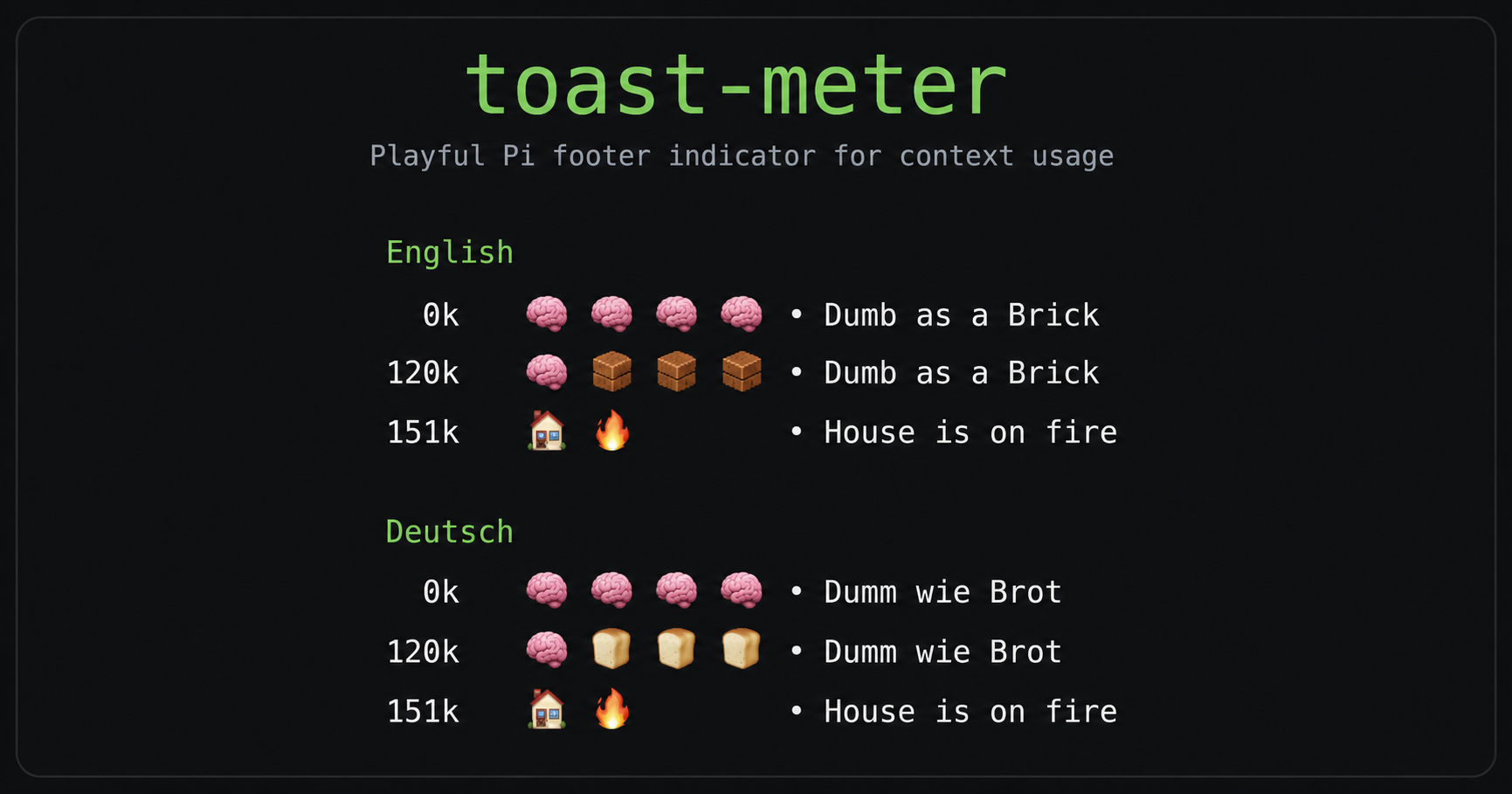
Example output
English
0k   🧠🧠🧠🧠 • Dumb as a Brick
120k 🧠🧱🧱🧱 • Dumb as a Brick
151k 🏠🔥 • House is on fire
Deutsch
0k   🧠🧠🧠🧠 • Dumm wie Brot
120k 🧠🍞🍞🍞 • Dumm wie Brot
151k 🏠🔥 • House is on fire
Configuration
Package defaults live here:
extensions/toast-meter/config.default.json
Project override (optional):
.pi/toast-meter.json
Example override:
{
  "mode": "en",
  "showText": true,
  "refreshIntervalMs": 2000,
  "levels": {
    "1": 80000,
    "2": 100000,
    "3": 120000,
    "4": 140000,
    "5": 150000
  }
}
Notes
- Level 0 is fixed in code.
- Icons are fixed in code.
- Thresholds 1–5 are configurable.
- Default mode is
en. - The package is discoverable on Pi package listings via the
pi-packagekeyword.