trelly
trelly — fast Trello CLI with multi-profile auth, MCP server, and kanban TUI
Package details
Install trelly from npm and Pi will load the resources declared by the package manifest.
$ pi install npm:trelly- Package
trelly- Version
0.3.8- Published
- Jul 11, 2026
- Downloads
- 1,337/mo · 1,337/wk
- Author
- brandonkramercc
- License
- MIT
- Types
- skill
- Size
- 1.3 MB
- Dependencies
- 6 dependencies · 0 peers
Pi manifest JSON
{
  "skills": [
    "./skills"
  ]
}
Security note
Pi packages can execute code and influence agent behavior. Review the source before installing third-party packages.
README
Trelly — Trello CLI and MCP server
Manage Trello from a terminal or an AI agent. Trelly includes a human-friendly CLI, an interactive kanban UI, structured JSON output, and a local MCP server.
Install
npm install -g trelly
# or
brew install brandonkramer/tap/trelly
Node.js 22+ is required. You can also run Trelly without installing it with
npx trelly or bunx trelly.
To run from source:
git clone https://github.com/brandonkramer/trelly.git
cd trelly
bun install
./bin/trelly --help
Authenticate
trelly auth setup
trelly auth login
trelly boards list
auth setup opens Trello's Power-Up admin page so you can create an API key.
auth login then opens Trello in your browser to authorize your account.
Credentials are stored with mode 600 in ~/.config/trelly/config.json. Trelly
supports multiple profiles; use trelly auth login --profile work and pass
--profile work to commands.
Run trelly auth --help for manual login, full-access tokens, environment variables,
and profile management.
Use the CLI
trelly boards list
trelly boards lists BOARD_ID
trelly cards create --list LIST_ID --name "Ship feature"
trelly cards move CARD_ID --list LIST_ID
trelly cards comment CARD_ID --text "Shipped"
trelly cards add-attachment CARD_ID --file screenshot.png
trelly search "customer onboarding"
Human-readable output is the default. Use --json for scripts:
trelly --json --pretty boards list | jq '.data'
JSON responses use { ok, profile, data }; errors use { ok: false, error, ... }
and exit with status 1. Colors automatically turn off when output is piped.
Trelly covers boards, lists, cards, comments, attachments, checklists, labels,
custom fields, members, organizations, actions, search, and webhooks. The raw
trelly api command is available for endpoints without a dedicated command.
Run trelly --help or trelly <group> --help for the complete command reference.
Prefer archive commands, which are reversible, over permanent delete commands.
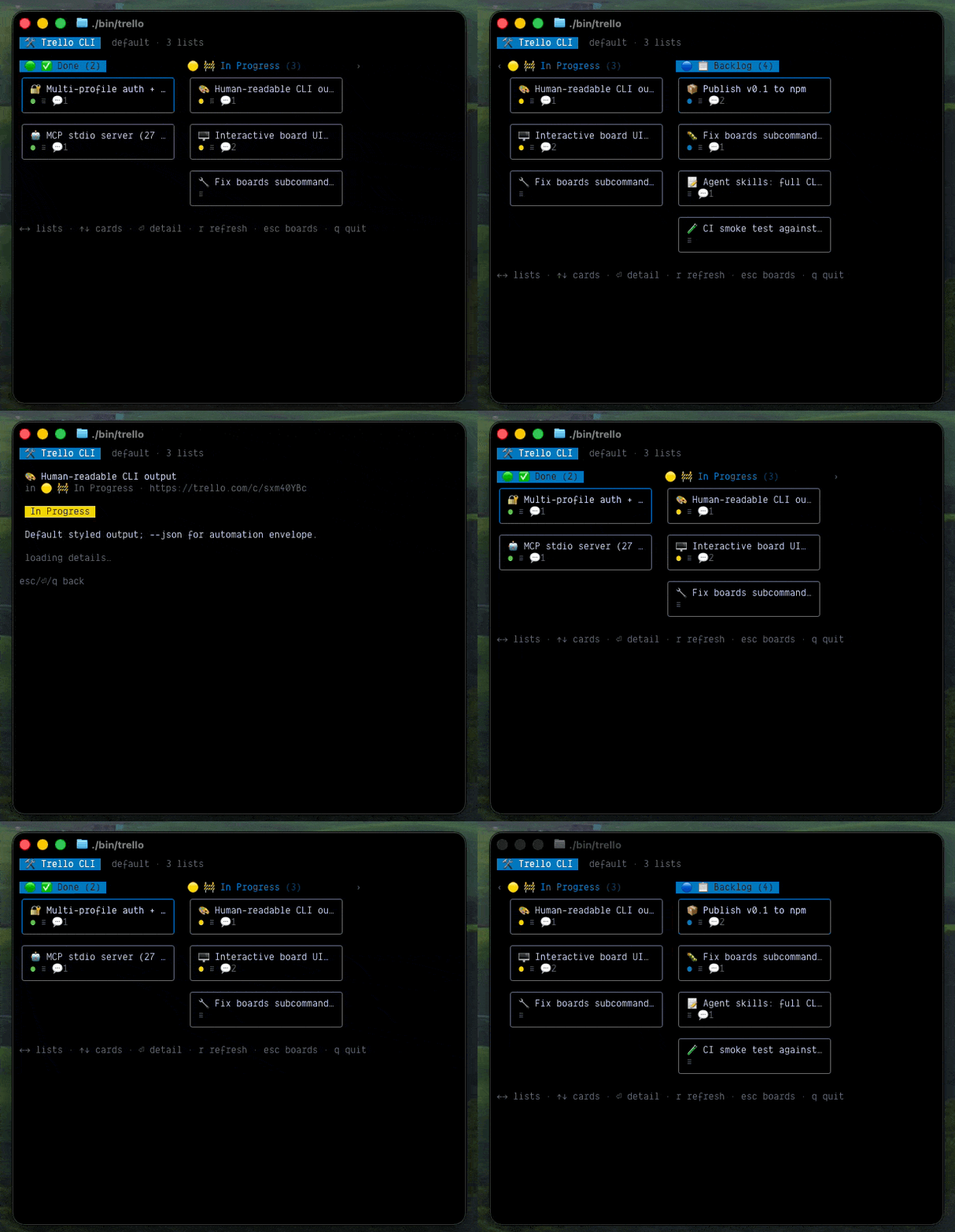
Open the kanban UI
trelly              # choose a board
trelly ui BOARD_ID  # open a board directly
Use arrow keys or hjkl to navigate, Enter to open a card, r to refresh, and
q or Esc to go back. Card detail supports comments, replies, and attachments.
Connect AI agents
Install the Trelly plugin for your local agent hosts:
trelly install                 # choose detected hosts
trelly install --cursor
trelly install --claude
trelly install --codex
trelly install --all --yes     # non-interactive
trelly install --check         # inspect only
The installer configures the plugin and MCP server, then prints the required reload instructions. See skills/README.md for platform-specific setup, verification, and troubleshooting.
Check or apply updates with:
trelly update --check
trelly update        # asks before changing anything
trelly update --yes  # non-interactive
Updates use the package manager that owns the installation and refresh only detected plugins. Dirty source checkouts are not changed automatically.
Configure MCP directly
If you do not want the plugin, add Trelly to your MCP configuration:
{
  "mcpServers": {
    "trelly": {
      "command": "trelly-mcp",
      "env": { "TRELLO_PROFILE": "default" }
    }
  }
}
See mcp.example.json for a complete example. From a source clone,
use the absolute path to bin/trelly-mcp.
The server provides 30 focused tools for profiles, boards, lists, cards, comments, attachments, checklists, labels, search, webhooks, ID resolution, and raw REST calls. Context tools combine common reads so agents need fewer requests.
Successful GET requests use bounded, short-lived caches: in-process for MCP and on disk
for the CLI at $XDG_CACHE_HOME/trelly/responses (or ~/.cache/trelly/responses).
Cards are cached for 15 seconds, comments and attachments for 10 seconds, search for 20
seconds, and boards, lists, and labels for 1 minute. MCP also deduplicates concurrent
requests. Pass fresh: true to an MCP read or the global CLI flag --fresh for a network
read. Set TRELLO_CACHE=0 to disable caching. Errors and mutations are never cached;
successful mutations invalidate related reads.
See the MCP skill for tool details, safety guidance, and when to use MCP instead of the CLI.
Trello Power-Up
The optional companion Power-Up at tr3lly.dev adds card-link, card-ID, snapshot, attachment, and badge actions inside Trello. It is separate from the local CLI and MCP server and does not request their credentials.
See PRIVACY.md for its data handling and hosting details.
Documentation
Development
bun install
bun run typecheck
bun test
bun run lint
See AGENTS.md for repository conventions.
License
MIT