opencode-zen-oauth
OpenCode Zen provider for pi via console device-flow OAuth (workspace member login)
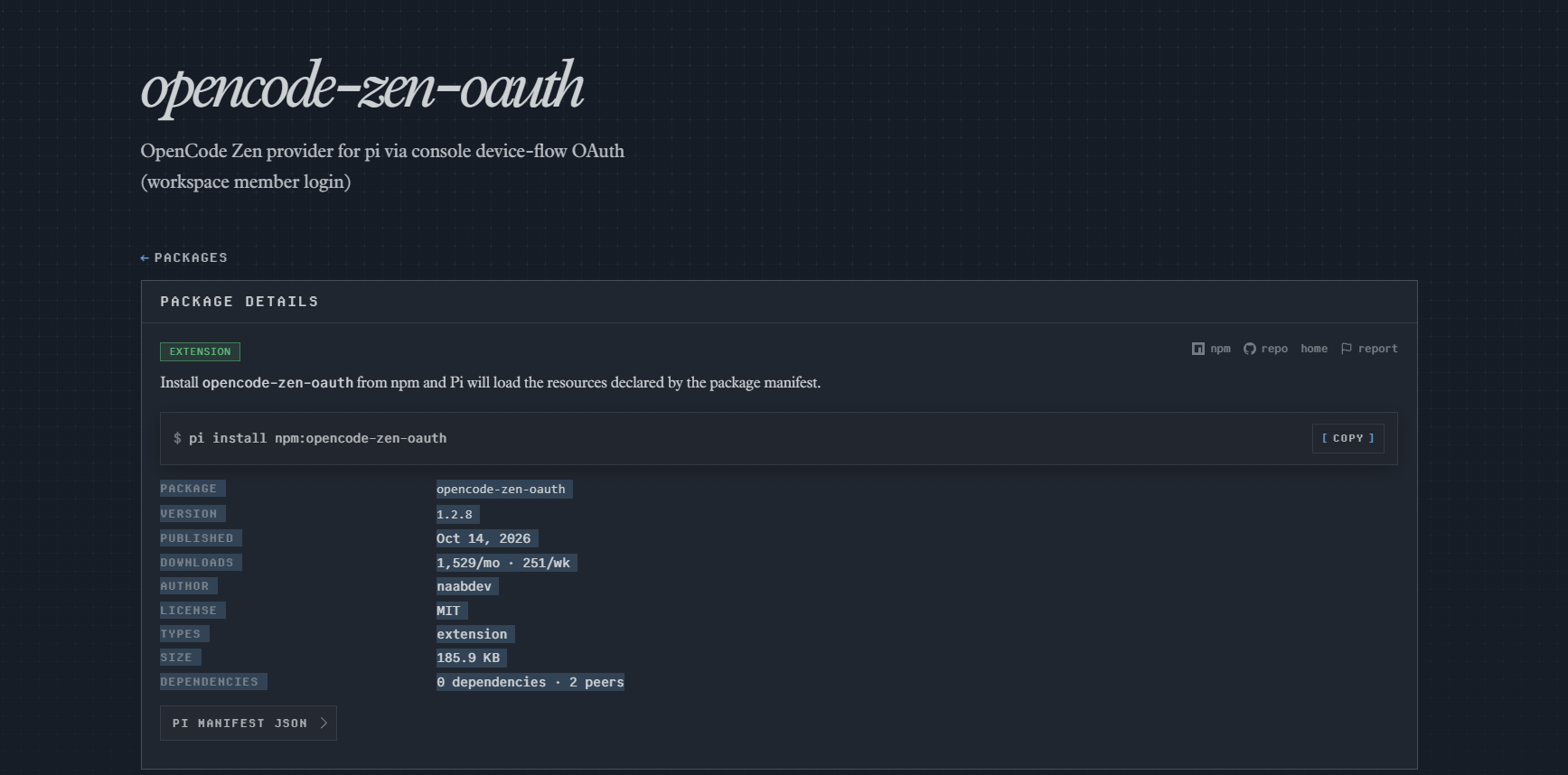
Package details
Install opencode-zen-oauth from npm and Pi will load the resources declared by the package manifest.
$ pi install npm:opencode-zen-oauth- Package
opencode-zen-oauth- Version
1.2.11- Published
- Oct 17, 2026
- Downloads
- 1,529/mo · 251/wk
- Author
- naabdev
- License
- MIT
- Types
- extension
- Size
- 244.9 KB
- Dependencies
- 0 dependencies · 2 peers
Pi manifest JSON
{
  "extensions": [
    "./src/extension.ts"
  ]
}
Security note
Pi packages can execute code and influence agent behavior. Review the source before installing third-party packages.
README
opencode-zen-oauth

English | Tiếng Việt
OpenCode Zen inside pi — no API keys. If you're a workspace member (not the owner), this is how you get Zen models in pi.
Install
pi install npm:opencode-zen-oauthWhy
OpenCode's v2 console hides API keys from workspace members, and raw OAuth tokens get rejected outside the official client. Three walls, one extension:
- No keys to manage.
/login opencode-zenshows a device code, you approve once in the browser, pi stores and refreshes the token itself. - Workspace-safe. Pick your workspace in the pi TUI after approval
(leave the web page on "All workspaces"). Every request carries the
matching org header, and
/modelonly lists what that workspace allows. On a second workspace?/opencode-zen switch-org— no re-login needed (session-scoped; re-login to keep it after a restart). - Catalog that keeps up. The model list refreshes from the workspace itself — disabled models and admin whitelists respected, context limits and per-million-token prices mapped automatically. If discovery hiccups, pi keeps serving your last-known list instead of going blank.
Flaky gateway responses (the odd 502/503) are retried with backoff before you ever see an error, and newer Claude models (Haiku 5.5, Sonnet/Opus 5.x, Fable 5) get the adaptive thinking form the gateway requires.
Login flow
/login opencode-zen # device code + link appears in the TUIApprove in the browser, come back to the terminal, pick a workspace, done.
Models appear under opencode-zen/ in /model. No opencode install needed —
everything runs over HTTPS against opencode.ai.
Fallback: set OPENCODE_API_KEY to use a Zen API key instead of OAuth.
Models
Live example from a real workspace (your list depends on your workspace):
| id | input | output | cache read | inputs |
|---|---|---|---|---|
glm-5.3-flash |
$0.15 | $0.50 | $0.03 | text, image |
deepseek-v4.1-flash |
$0.30 | $1.20 | $0.006 | text, image |
big-pickle |
$0 | $0 | $0 | text |
mimo-v2.6-flash-free |
$0 | $0 | $0 | text |
Prices per million tokens, billed to the selected workspace. Zero-cost rows
are the Zen free tier: the extension sends the identity headers the gateway
expects (src/free-tier.ts) and the requests pass through untouched, so
tool calling works natively on those models.
Security
- The extension never prints or logs your token or workspace ID.
- Do not paste your token or workspace ID into chat yourself — pi session
files persist what you type. If one leaks, revoke it in the OpenCode
console and run
/login opencode-zenagain.
Layout
index.ts— entry point pi loads; re-exportssrc/extension.tssrc/extension.ts— provider assembly and registrationsrc/auth.ts— device-flow login, workspace selection, token refreshsrc/models.ts— console-to-pi model mapping, per-route wire protocolssrc/retry.ts— bounded retries for transient failures and rejected optionssrc/commands.ts—/opencode-zencommand (status, switch-org)src/free-tier.ts— free-tier identity headers per requesttest/— bun test suite with mocked fetch (bun test)
License
MIT
Changelog
See CHANGELOG.md and GitHub releases.